Creator verification and age-verification flows protect restricted account features. Follow the secure website flow rather than sending identity documents in chat.
Before you start
Sign in to the account you want to use. Creator-only controls appear only for accounts with the relevant access. If you manage someone else’s account, confirm you are in the correct workspace before making a change. The pictures use fictional example data; your balances, names, available options and screen layout may differ.
Step by step
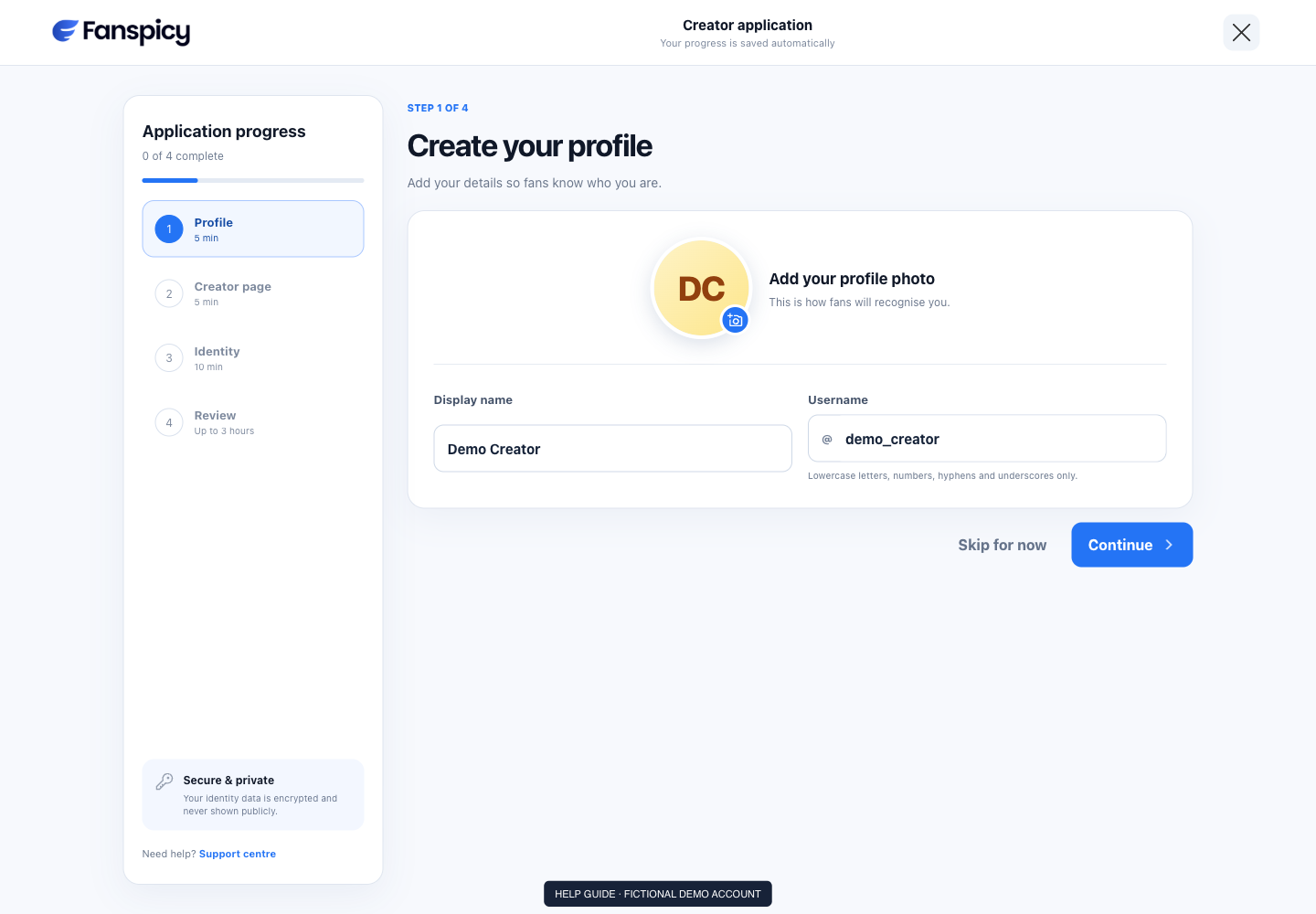
- Open the creator application or Verification page available to your account.
- Read the eligibility and information requirements presented.
- Complete the required fields and identity steps through the official provider interface.
- Submit only your own valid information and review the confirmation.
- Return to the website to check pending, approved or declined status.
- If declined, follow the reason and next step shown instead of repeatedly resubmitting unchanged information.
Check the result
Submitting a verification request does not mean it is approved. The AI can read allowed status metadata but should not expose identity documents or invent a rejection reason.
If something is not working
If the secure flow fails or a decision needs review, contact a human agent with the error and approximate time. Keep identity documents out of ordinary chat messages.
When reporting a problem, include the page, approximate time, what you expected and what happened instead. A screenshot of the error can help. Hide private messages and payment details that are unrelated to the issue. Never send your password, verification code, recovery code or API secret.