Uploading a file, processing it and approving it for use are separate stages. A file can exist in the Vault while still waiting for conversion or moderation.
Before you start
Sign in to the account you want to use. Creator-only controls appear only for accounts with the relevant access. If you manage someone else’s account, confirm you are in the correct workspace before making a change. The pictures use fictional example data; your balances, names, available options and screen layout may differ.
Step by step
- Open New post, the DM composer or the relevant upload control.
- Choose the intended file and wait for the upload progress to finish.
- Check the processing and moderation state before publishing or sending.
- If a media item has a recorded error, note the exact label and approximate upload time.
- Keep the original file until the completed upload can be verified.
- Ask support to inspect your recent upload records when a file appears stuck.
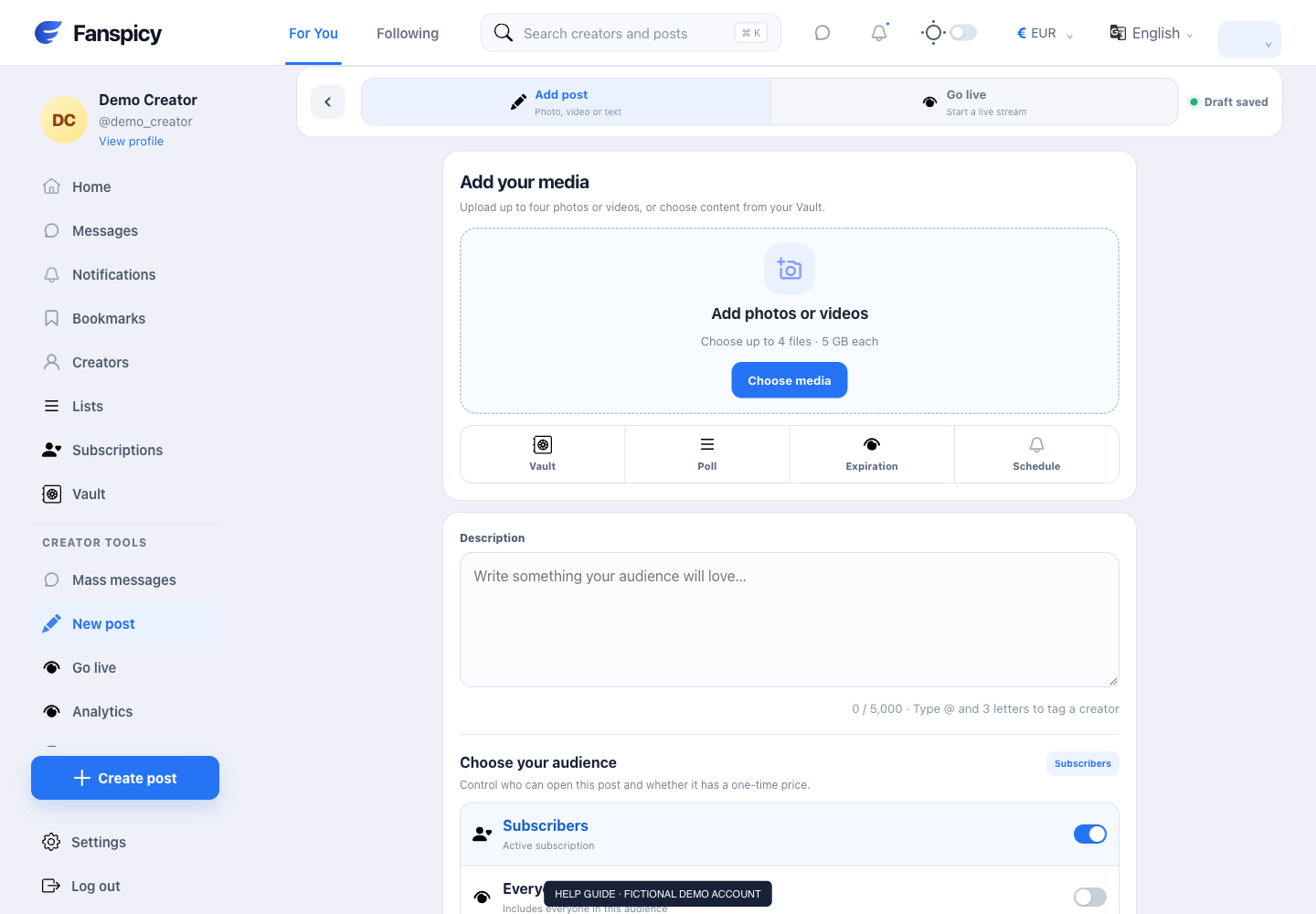
Check the result
A zero count of recorded errors does not prove that you did not experience a bug. Support must distinguish missing logs, ongoing processing and a recorded failure.
If something is not working
Report the file type, approximate size, browser and visible error when available. Do not repeatedly upload or publish duplicates while the original attempt is being investigated.
When reporting a problem, include the page, approximate time, what you expected and what happened instead. A screenshot of the error can help. Hide private messages and payment details that are unrelated to the issue. Never send your password, verification code, recovery code or API secret.