Team access allows eligible accounts to work with managers or agencies. Only give access to people you trust and review the permissions and agreements shown.
Before you start
Sign in to the account you want to use. Creator-only controls appear only for accounts with the relevant access. If you manage someone else’s account, confirm you are in the correct workspace before making a change. The pictures use fictional example data; your balances, names, available options and screen layout may differ.
Step by step
- Open Settings → Team access.
- Review the managers and agencies currently connected.
- Use the available invitation or connection controls only for the intended person or organization.
- Read the access and fee information before confirming a relationship.
- Remove access through the available control when it is no longer required.
- Review the list again after saving.
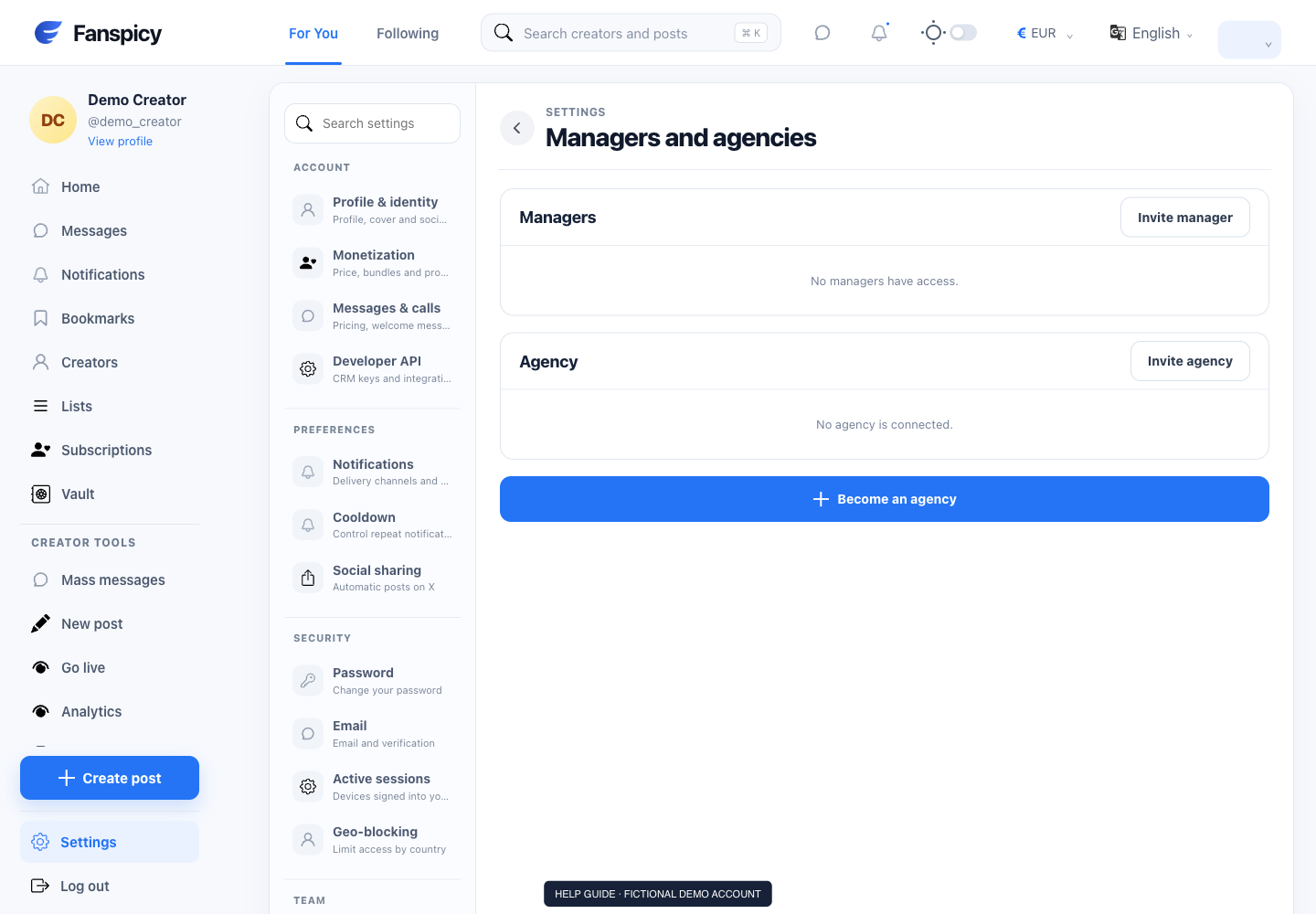
Check the result
A team relationship and an API key are different forms of access. Check both when reviewing who can act for an account.
If something is not working
If access or an agency deduction looks wrong, provide the relevant relationship and time period to human support. The AI cannot decide a contractual dispute or change permissions.
When reporting a problem, include the page, approximate time, what you expected and what happened instead. A screenshot of the error can help. Hide private messages and payment details that are unrelated to the issue. Never send your password, verification code, recovery code or API secret.