Mentions help identify another creator in a post description. Mentioning someone does not establish consent, ownership of media or a business agreement.
Before you start
Sign in to the account you want to use. Creator-only controls appear only for accounts with the relevant access. If you manage someone else’s account, confirm you are in the correct workspace before making a change. The pictures use fictional example data; your balances, names, available options and screen layout may differ.
Step by step
- Open the post description.
- Type @ followed by at least three letters of the creator name.
- Review the suggested matches and choose the correct creator.
- Check the mention in the completed description.
- Review your audience and publish only content you are allowed to share.
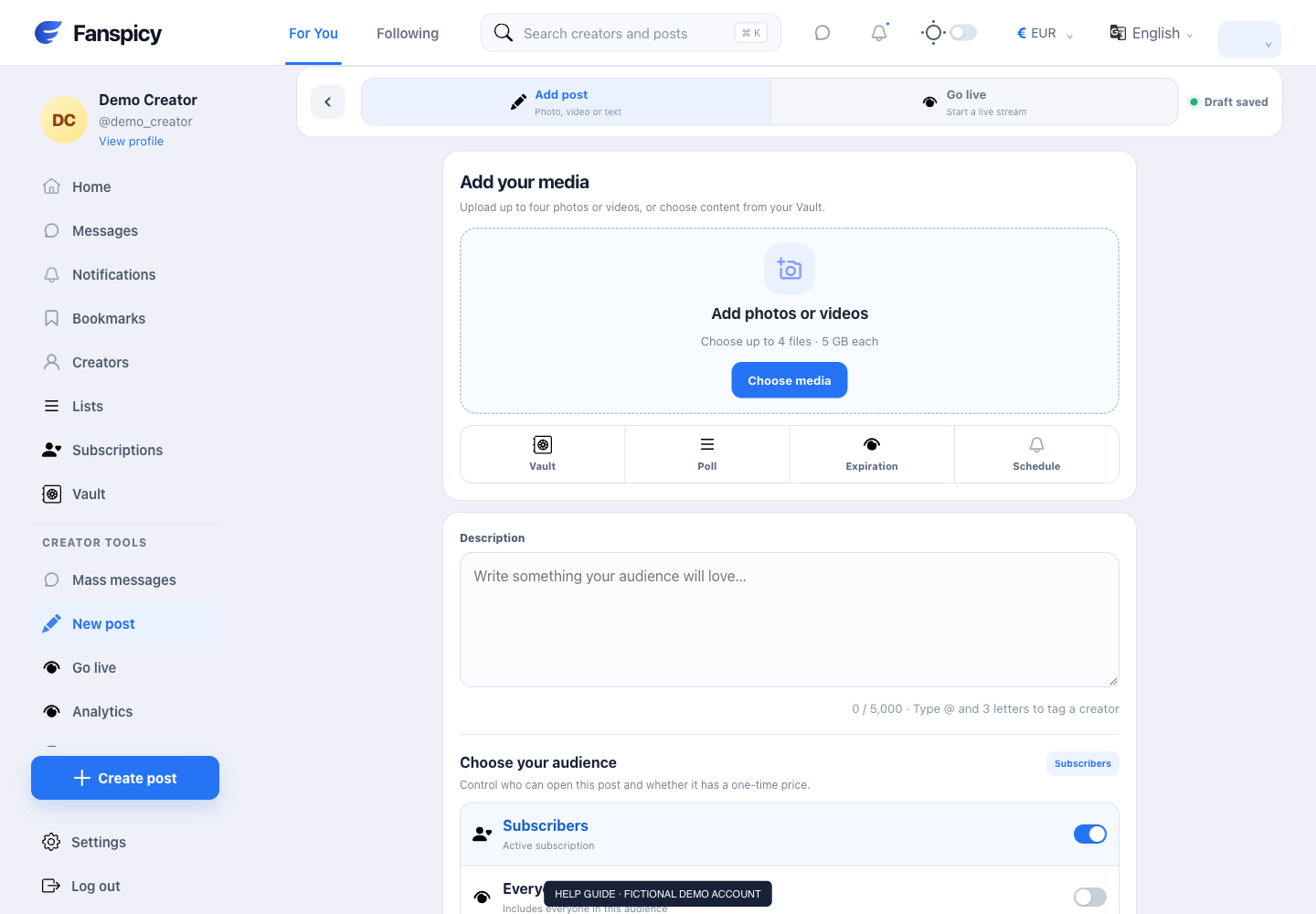
Check the result
Check the selected account rather than relying on a similar display name. A mention is separate from account management or a paid collaboration.
If something is not working
If no match appears, check the spelling and report the search behavior if it persists. Send business partnership proposals to human support for review.
When reporting a problem, include the page, approximate time, what you expected and what happened instead. A screenshot of the error can help. Hide private messages and payment details that are unrelated to the issue. Never send your password, verification code, recovery code or API secret.