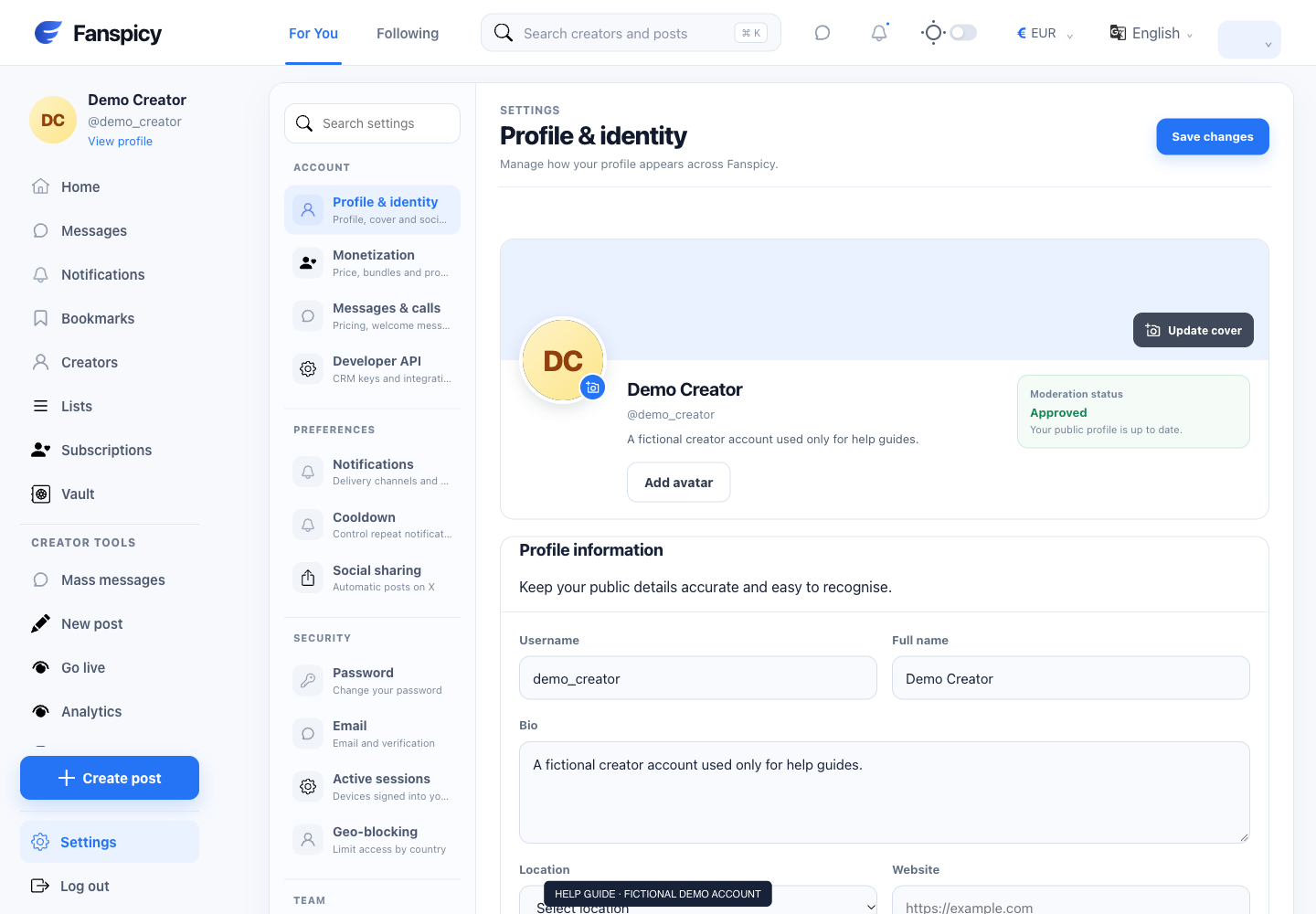
The website header includes language, currency and appearance controls. These affect how you use the interface; they do not by themselves change an existing payment agreement or payout destination.
Before you start
Sign in to the account you want to use. Creator-only controls appear only for accounts with the relevant access. If you manage someone else’s account, confirm you are in the correct workspace before making a change. The pictures use fictional example data; your balances, names, available options and screen layout may differ.
Step by step
- Find the language control in the website header and choose your preferred available language.
- Use the currency control to review the supported display choices.
- Use the appearance switch to change the theme.
- On a smaller screen, open the menu if the header controls are collapsed.
- Review the amount and currency again at any payment confirmation.
Check the result
Check the interface after making a selection. Content written by another user may remain in its original language. The final payment screen determines the actual charge shown for confirmation.
If something is not working
If a choice does not persist, report your browser and which setting resets. Do not infer a currency conversion or change to earnings from a display setting alone.
When reporting a problem, include the page, approximate time, what you expected and what happened instead. A screenshot of the error can help. Hide private messages and payment details that are unrelated to the issue. Never send your password, verification code, recovery code or API secret.