Support can inspect the latest payout’s method, status and recorded approval event. Timing must use the correct method and event, not simply the date you requested the withdrawal.
Before you start
Sign in to the account you want to use. Creator-only controls appear only for accounts with the relevant access. If you manage someone else’s account, confirm you are in the correct workspace before making a change. The pictures use fictional example data; your balances, names, available options and screen layout may differ.
Step by step
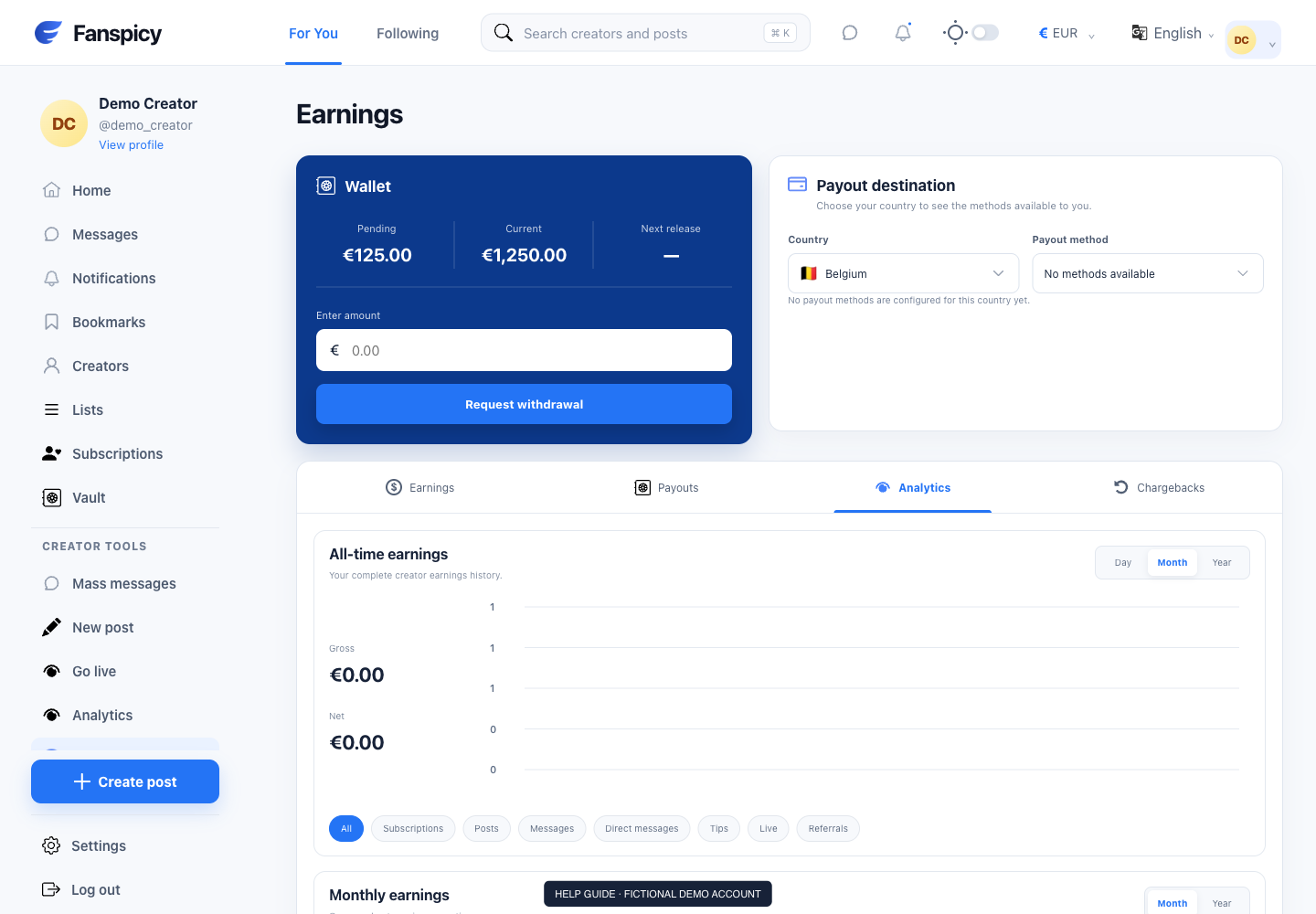
- Open Earnings → Payouts and find the request.
- Check its amount, method and status.
- Ask the assistant to check the approval date and elapsed working days.
- For bank wire, Fanspicy’s supplied window is up to five working days from dispatch. Weekends do not count; bank holidays and cutoffs may affect the estimate.
- If dispatch is not confirmed, treat an approval-based estimate as an estimate, not a guaranteed arrival date.
- Ask for a human payment trace if the applicable window has passed or timing cannot be established.
Check the result
An update date can reflect an edit, not dispatch. The five-day bank-wire policy must not be applied automatically to SEPA, crypto or another method. No assistant can guarantee bank arrival without confirmation.
If something is not working
A human agent needs to investigate an overdue or unexplained payout. Include the payout reference and what the bank or provider shows; do not request another payout as a workaround.
When reporting a problem, include the page, approximate time, what you expected and what happened instead. A screenshot of the error can help. Hide private messages and payment details that are unrelated to the issue. Never send your password, verification code, recovery code or API secret.