Message settings help you control paid conversations and automatic messages. A price to send a DM and a price to unlock content inside a DM are different charges.
Before you start
Sign in to the account you want to use. Creator-only controls appear only for accounts with the relevant access. If you manage someone else’s account, confirm you are in the correct workspace before making a change. The pictures use fictional example data; your balances, names, available options and screen layout may differ.
Step by step
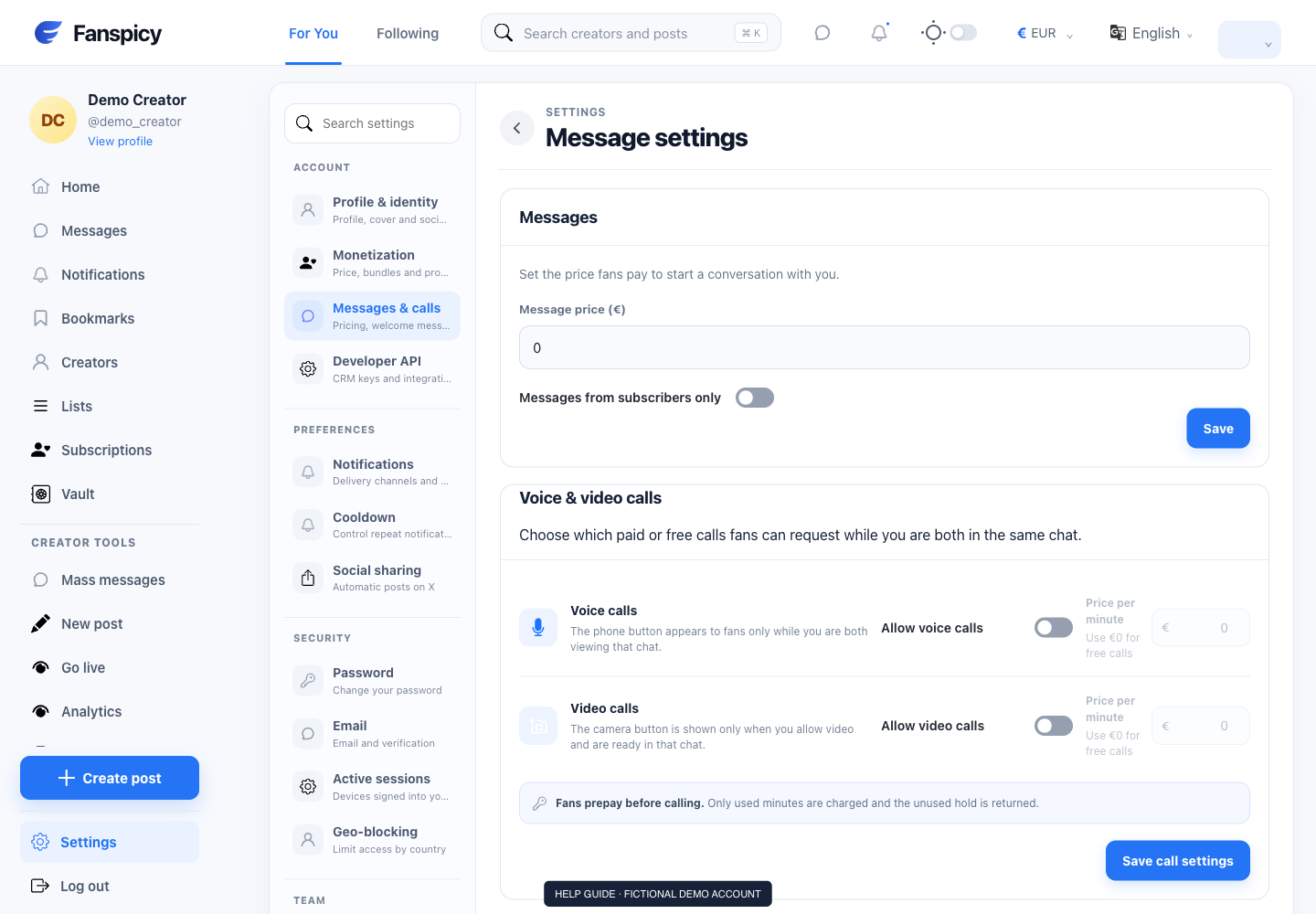
- Open Settings → Messages & calls.
- Review your default message price and any subscriber-only messaging option.
- Review welcome or automatic-message settings, including the event that triggers each message.
- Write the message, attach only content you are entitled to share, and check any unlock price before enabling it.
- Save the settings and return to confirm they remain selected.
- Check a specific conversation separately if you use a conversation-specific price.
Check the result
Verify the saved price, enabled state and trigger. Do not assume a message was delivered merely because its settings were saved. Actual conversation records are needed to confirm sending or purchase.
If something is not working
If someone reports an unexpected charge, identify whether it was a send fee, an unlock, a tip or another purchase. A human agent must decide refund requests.
When reporting a problem, include the page, approximate time, what you expected and what happened instead. A screenshot of the error can help. Hide private messages and payment details that are unrelated to the issue. Never send your password, verification code, recovery code or API secret.