Discovery tools help you find creators and content. Recommendations, search results, profile views and subscription access are different parts of the experience.
Before you start
Sign in to the account you want to use. Creator-only controls appear only for accounts with the relevant access. If you manage someone else’s account, confirm you are in the correct workspace before making a change. The pictures use fictional example data; your balances, names, available options and screen layout may differ.
Step by step
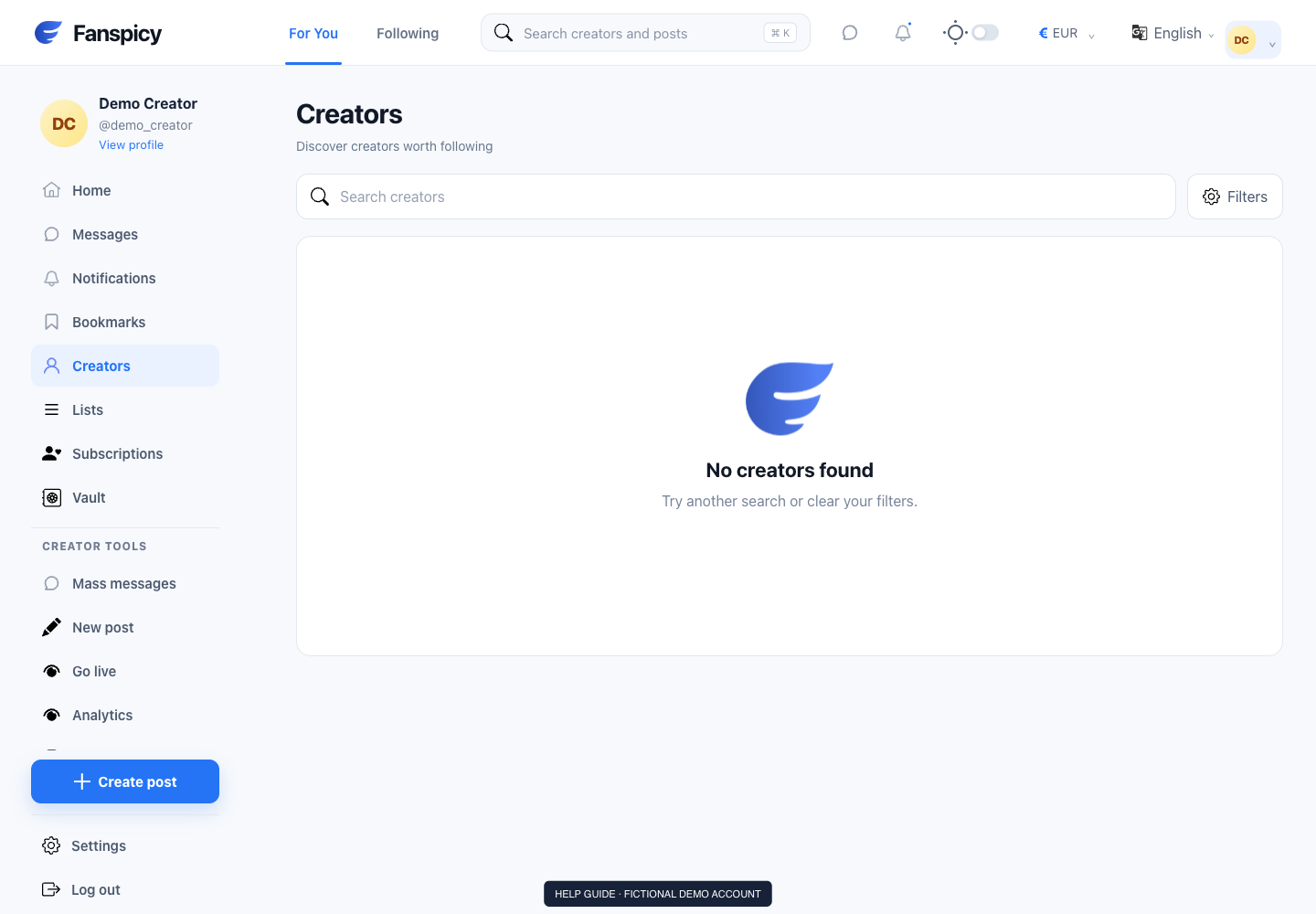
- Open Home to browse the feed or Creators to explore creator pages.
- Use Search when you know a creator name or topic.
- Review the filters offered on the current screen.
- Open a creator’s profile to read the description and available offers.
- Check a post’s access and price before choosing to unlock or subscribe.
Check the result
Seeing a creator in search does not mean you are subscribed. Likewise, a profile impression is not a payment or a guaranteed content view.
If something is not working
If a page cannot be found, report its public URL or username and the error shown. Account-specific visibility restrictions may require a private support check.
When reporting a problem, include the page, approximate time, what you expected and what happened instead. A screenshot of the error can help. Hide private messages and payment details that are unrelated to the issue. Never send your password, verification code, recovery code or API secret.