Removing a profile is a significant account action. Read the website’s current confirmation and recovery information before proceeding.
Before you start
Sign in to the account you want to use. Creator-only controls appear only for accounts with the relevant access. If you manage someone else’s account, confirm you are in the correct workspace before making a change. The pictures use fictional example data; your balances, names, available options and screen layout may differ.
Step by step
- Open Settings → Profile & identity.
- Find Remove profile near the bottom of the page.
- Review the removal warning and any recovery period shown.
- Check outstanding account issues before confirming the request.
- Follow the website confirmation steps only if you intend to remove the account.
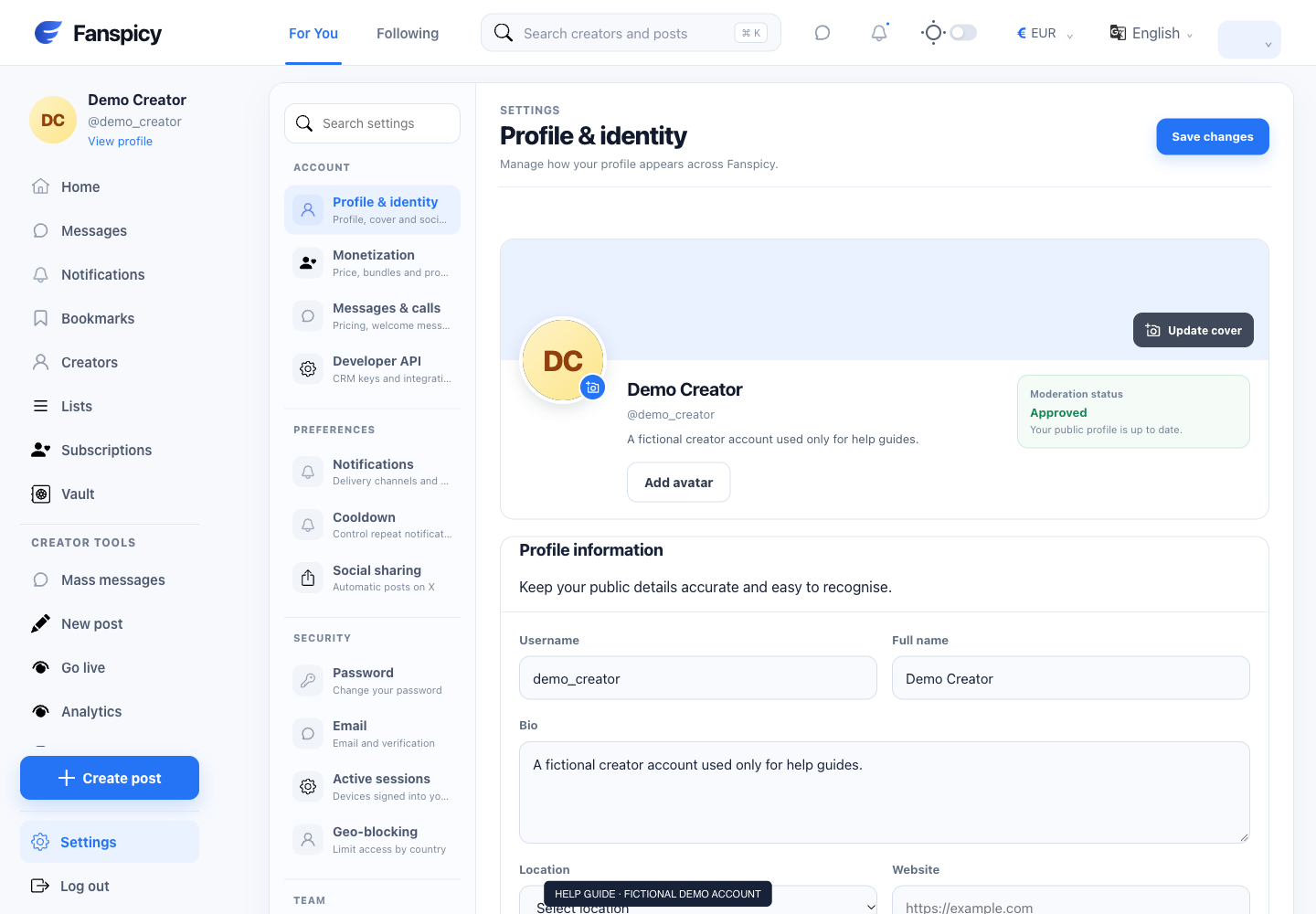
Check the result
A removal request, a recovery period and completed deletion are different states. The AI can explain recorded status but cannot delete the account for you.
If something is not working
If the removal control fails or you need help recovering access, open a human support request. Do not treat a chat acknowledgement as confirmation of deletion.
When reporting a problem, include the page, approximate time, what you expected and what happened instead. A screenshot of the error can help. Hide private messages and payment details that are unrelated to the issue. Never send your password, verification code, recovery code or API secret.