A refund, a disputed payment and a chargeback are different financial states. Review the specific transaction and any recorded adjustments instead of assuming a balance change is fraud.
Before you start
Sign in to the account you want to use. Creator-only controls appear only for accounts with the relevant access. If you manage someone else’s account, confirm you are in the correct workspace before making a change. The pictures use fictional example data; your balances, names, available options and screen layout may differ.
Step by step
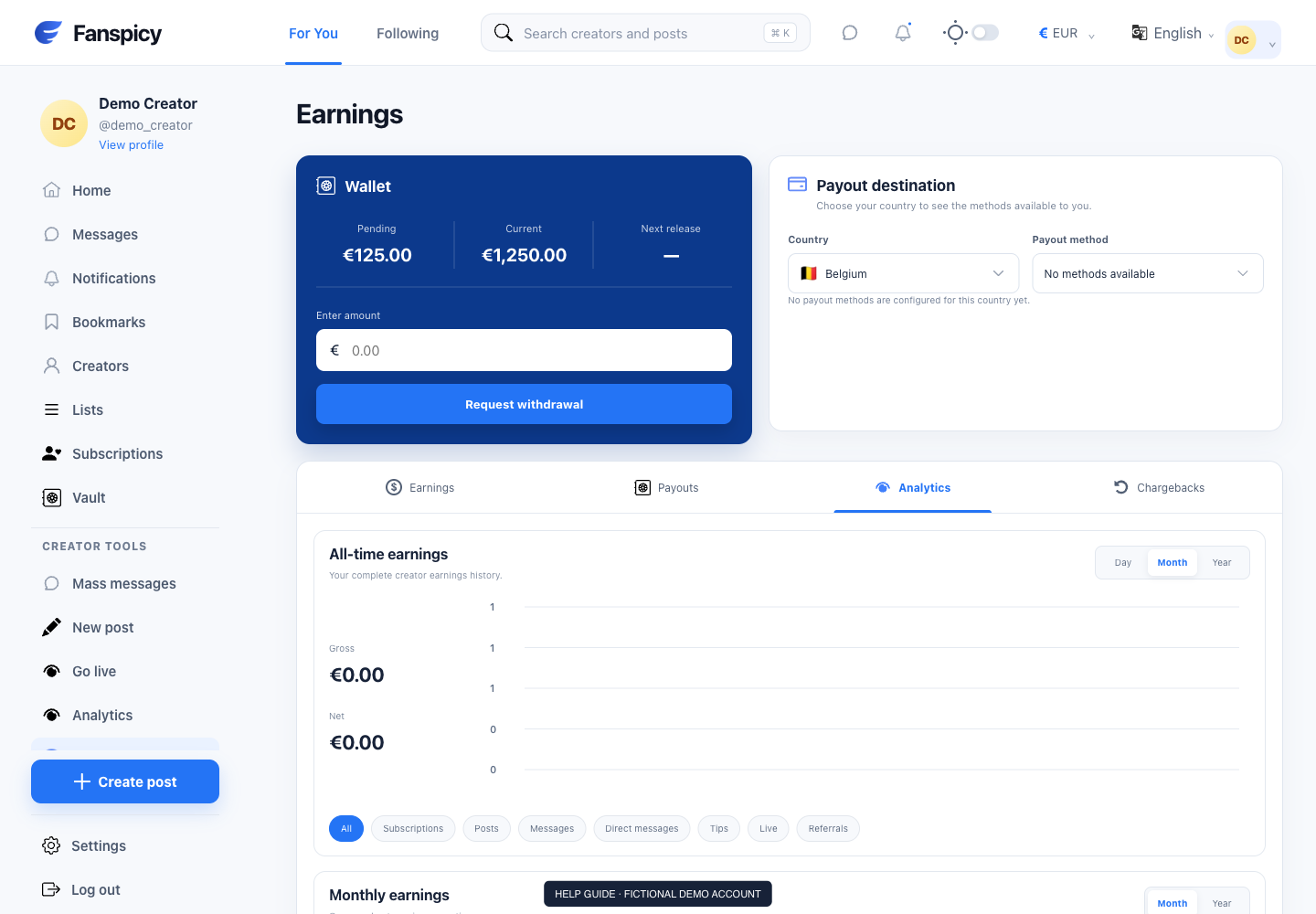
- Open Earnings → Chargebacks for creator-side records, or Payments for purchases you made.
- Find the relevant payment and check the recorded amount and status.
- Compare the transaction date with the date of any dispute information; they may differ.
- Ask support to explain the associated record and deductions.
- Send refund requests or disputed outcomes to a human agent for a decision.
Check the result
The original payment amount may not equal the disputed amount. A chargeback log alone does not establish who is at fault or the final outcome. The AI can inspect records but cannot issue refunds, decide fraud or penalize an account.
If something is not working
If content or a promise was not delivered, describe the agreement and identify the transaction. Share only the relevant evidence and let a human agent make the dispute decision.
When reporting a problem, include the page, approximate time, what you expected and what happened instead. A screenshot of the error can help. Hide private messages and payment details that are unrelated to the issue. Never send your password, verification code, recovery code or API secret.