Business collaborations, sponsorships and partnership proposals are reviewed by a human. The support assistant can collect a clear proposal but cannot agree to commercial terms.
Before you start
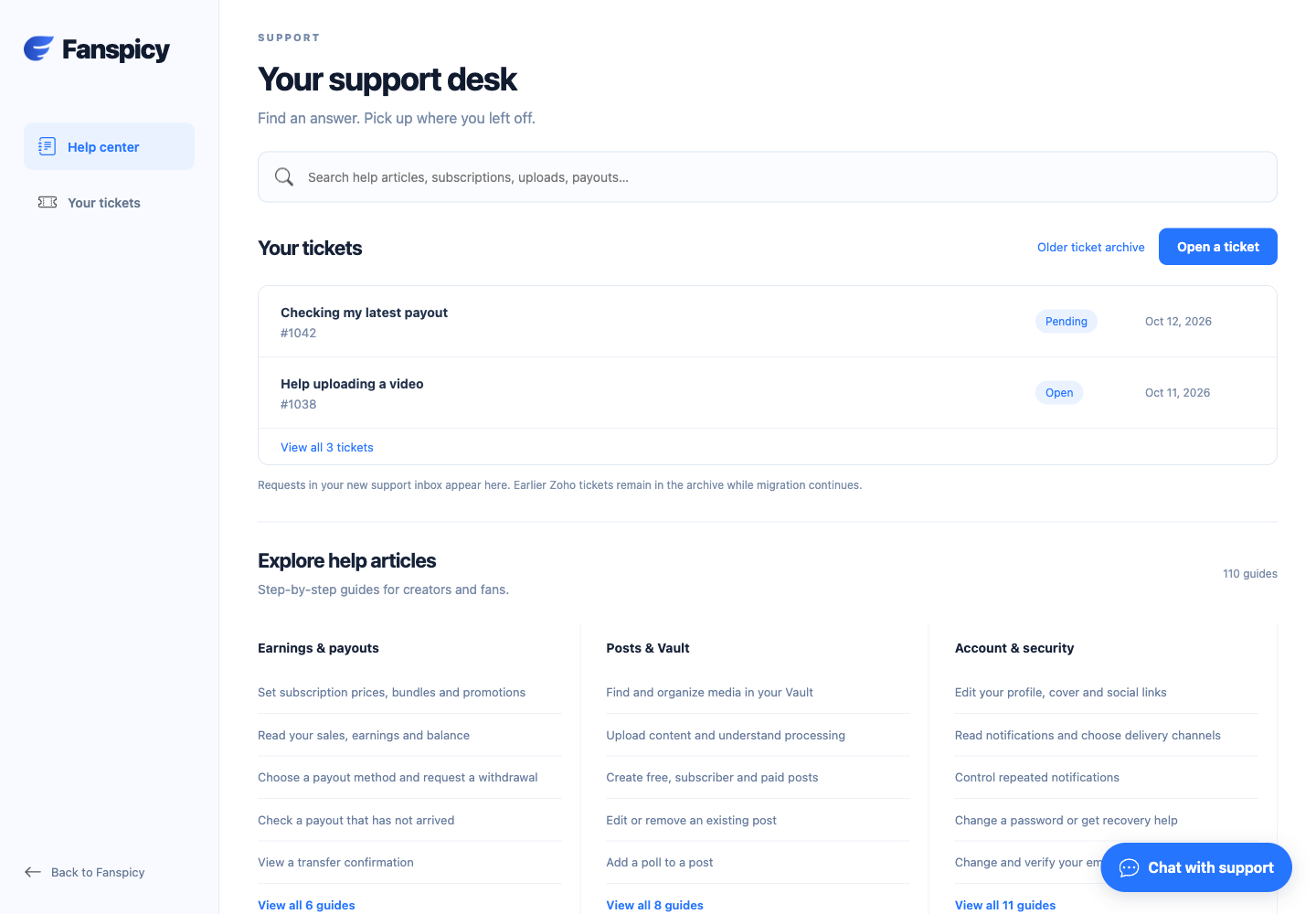
Sign in to the account you want to use. Creator-only controls appear only for accounts with the relevant access. If you manage someone else’s account, confirm you are in the correct workspace before making a change. The pictures use fictional example data; your balances, names, available options and screen layout may differ.
Step by step
- Open a support ticket and use a subject describing the proposed collaboration.
- Introduce your company or professional role.
- Explain the proposal, audience, intended deliverables and relevant dates.
- Include a public website or professional contact address when useful.
- Wait for a human response before treating any terms as agreed.
Check the result
A submitted proposal is not acceptance or a promise of payment. A legitimate business enquiry should be assessed from its substance rather than dismissed just because it mentions marketing.
If something is not working
Do not send bulk unsolicited promotions, misleading SEO claims or requests for account credentials. Suspicious messages may be filtered; a human handles genuine commercial opportunities.
When reporting a problem, include the page, approximate time, what you expected and what happened instead. A screenshot of the error can help. Hide private messages and payment details that are unrelated to the issue. Never send your password, verification code, recovery code or API secret.