Use this reference when integrating the Creator API operation “authorize a creator-bound pusher channel”. It is derived from the deployed API contract, reviewed October 12, 2026.
Before you call this endpoint
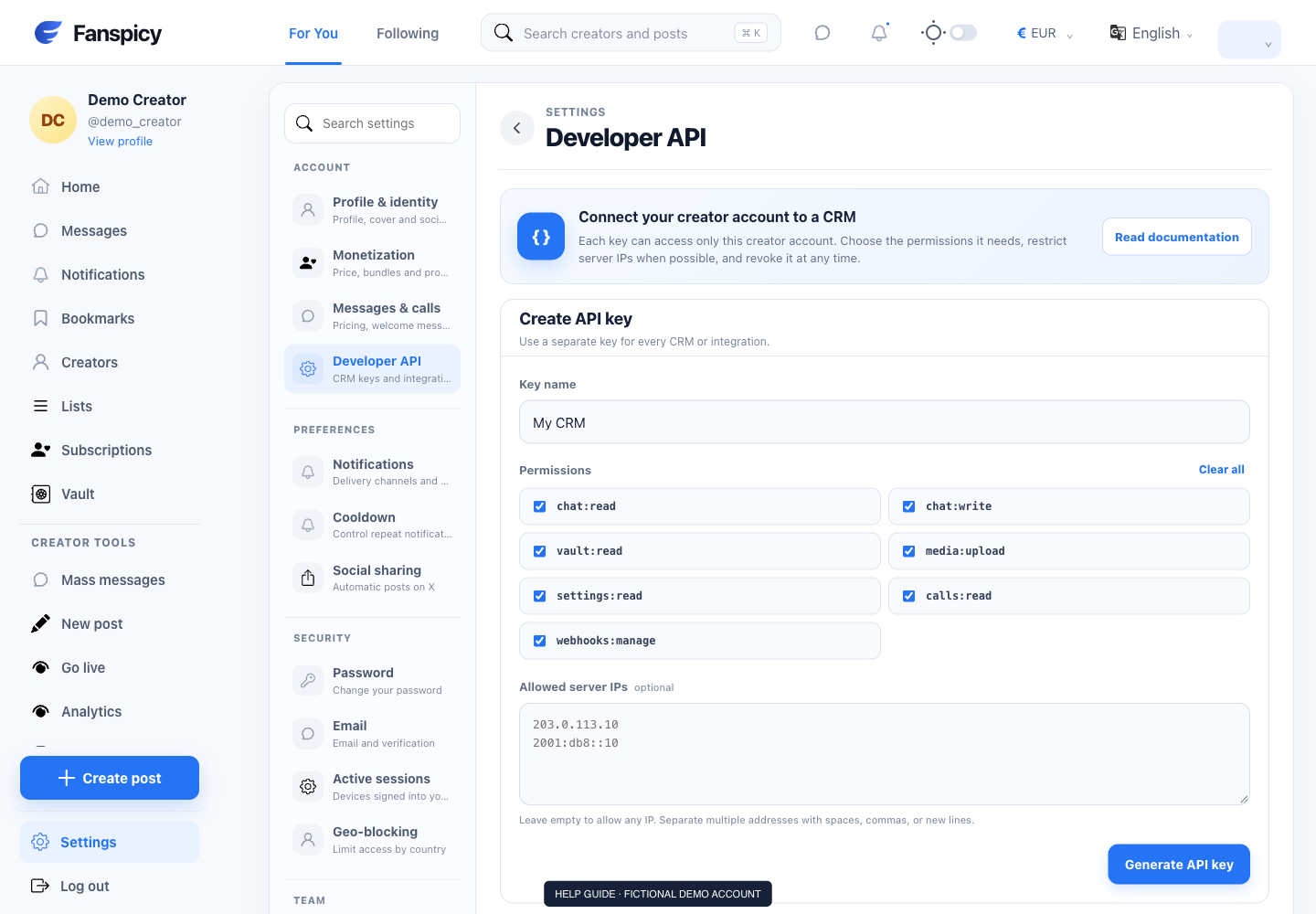
Use a creator-owned API key from Settings → Developer API. Keep it on your server and authenticate with Authorization: Bearer <YOUR_CREATOR_API_KEY>. This operation requires chat:read. The key selects its creator account; never supply another creator ID to expand access.
This is a write operation. It can change account state or trigger a real action. Test with a controlled account and get the account owner’s authorization before using it.
Build the request
- Use POST https://api.fanspicy.com/v1/realtime/auth.
- Replace path placeholders with IDs returned by this creator’s own records: this endpoint has no path placeholders.
- Check required parameters, headers and body fields in the exact contract below. Do not send the angle-bracket key placeholder as a real credential.
- Where Idempotency-Key is required, generate one UUID for the logical write and reuse it only for an identical retry. A new operation needs a new key.
- Inspect the HTTP status and response body before reporting success. Save the X-Request-Id when available for support.
Endpoint contract
The following is the deployed OpenAPI operation definition. Schema references resolve in the complete contract linked below; do not guess fields that are not defined.
POST /realtime/auth
tags: [Realtime]
      summary: Authorize a creator-bound Pusher channel
      operationId: authorizeRealtimeChannel
      description: Call this from the CRM backend. Never expose the creator API key in browser JavaScript.
      security: [{ CreatorApiKey: [] }]
      x-required-scope: chat:read
      requestBody:
        required: true
        content:
          application/json:
            schema:
              type: object
              required: [socket_id, channel_name]
              properties:
                socket_id: { type: string }
                channel_name:
                  type: string
                  description: Creator user channel, an authorized creator–fan chat channel, or its presence channel.
      responses:
        '200': { $ref: '#/components/responses/JsonSuccess' }
        '403': { $ref: '#/components/responses/Forbidden' }
Handle errors and retries
A 401 response means authentication is missing or invalid, expired, revoked or no longer bound to an active creator. A 403 indicates a permission problem. A 404 may mean the record is missing or outside the creator’s account; it is not permission to search another account.
For validation errors, correct the fields identified by the response. For an idempotency conflict, do not reuse the same key with a different request. For rate limits, respect Retry-After when provided and avoid rapid retry loops. A timeout alone does not prove that a write did not happen; reconcile the result before retrying.
Verify the outcome
Use the documented success status and returned record to determine what happened. A queued task, saved configuration or created campaign does not prove delivery to a fan or bank. Keep logs minimal: record request IDs and status codes, not API keys, upload tokens or unrelated private message content.
Complete contract: /support-assets/creator-api-openapi.yaml. This guide describes the public Creator API, not internal website or administrator endpoints.