

Оглавление
Over eighty percent of American streamers say that their environment directly shapes audience engagement and content quality. Choosing the right space and equipment is more than just technical setup, it influences how viewers connect with your broadcast from the start. If you want to deliver professional streams and stand out in a crowded market, mastering each step from preparation to engagement can make all the difference.
Оглавление
- Step 1: Set Up Your Streaming Environment
- Step 2: Configure Equipment and Software
- Step 3: Plan and Schedule Your Live Stream
- Step 4: Engage Your Audience Effectively
- Step 5: Monitor Quality and Performance
Краткое резюме
| Ключевой момент | Пояснение |
|---|---|
| 1. Create a Distraction-Free Setup | Choose a quiet, well-lit space with a neutral background to enhance viewer focus and engagement. |
| 2. Use Quality Equipment and Software | Invest in a 1080p webcam and a good microphone. Use reliable software like OBS for streaming management. |
| 3. Plan Your Streaming Schedule | Establish a consistent streaming time and utilize a content calendar for topics and guest appearances. |
| 4. Engage Actively with Your Audience | Implement real-time interactions through chats, polls, and Q&As to foster community and viewer loyalty. |
| 5. Monitor Streaming Quality Regularly | Track performance metrics and conduct health checks to ensure audio and video quality meets viewer expectations. |
Step 1: Set Up Your Streaming Environment
Creating an optimal streaming environment is about crafting a professional, distraction-free space that helps you deliver engaging content consistently. Your streaming setup serves as the foundation for your entire content strategy, determining how viewers perceive and interact with your broadcasts.
Start by selecting a dedicated area with minimal background noise and good lighting. Optimal streaming environments require careful spatial planning. Choose a corner of a room with neutral walls or a clean background that won’t distract viewers. Position yourself facing natural or soft artificial light sources to ensure clear visibility. Invest in basic equipment like a quality webcam, microphone, and stable internet connection that can support high-resolution streaming.
Pro tip: Test your streaming setup before going live. Record a few practice sessions to check audio clarity, lighting, and background aesthetics. Adjust your camera angle, ensure your microphone captures crisp sound, and verify that your internet speed can handle consistent broadcasting. Small details like background organization and personal presentation can significantly impact viewer engagement and professional perception.
Step 2: Configure Equipment and Software
Configuring your streaming equipment and software is a critical step that determines the quality and professionalism of your content. Your goal is to create a seamless technical setup that allows you to focus on delivering engaging broadcasts.
Advanced streaming configurations require strategic equipment selection and software integration. Choose a high-quality webcam capable of at least 1080p resolution and a condenser microphone that captures clear audio with minimal background noise. For streaming software, select platforms like OBS or StreamLabs that offer robust features for scene management, overlays, and real-time editing. Ensure your computer meets the minimum system requirements for smooth broadcasting, including a dedicated graphics card and at least 16GB of RAM.
Pro tip: Always perform a complete system check before going live. Run multiple test streams to verify audio levels, video quality, and internet stability. Consider investing in a backup internet connection or mobile hotspot to prevent unexpected streaming interruptions. Small technical preparations can make a significant difference in maintaining a professional and reliable streaming experience.
Step 3: Plan and Schedule Your Live Stream
Planning and scheduling your live stream is crucial for building audience anticipation and ensuring a smooth, professional broadcast. This strategic approach helps you create consistent content that keeps your viewers engaged and coming back for more.
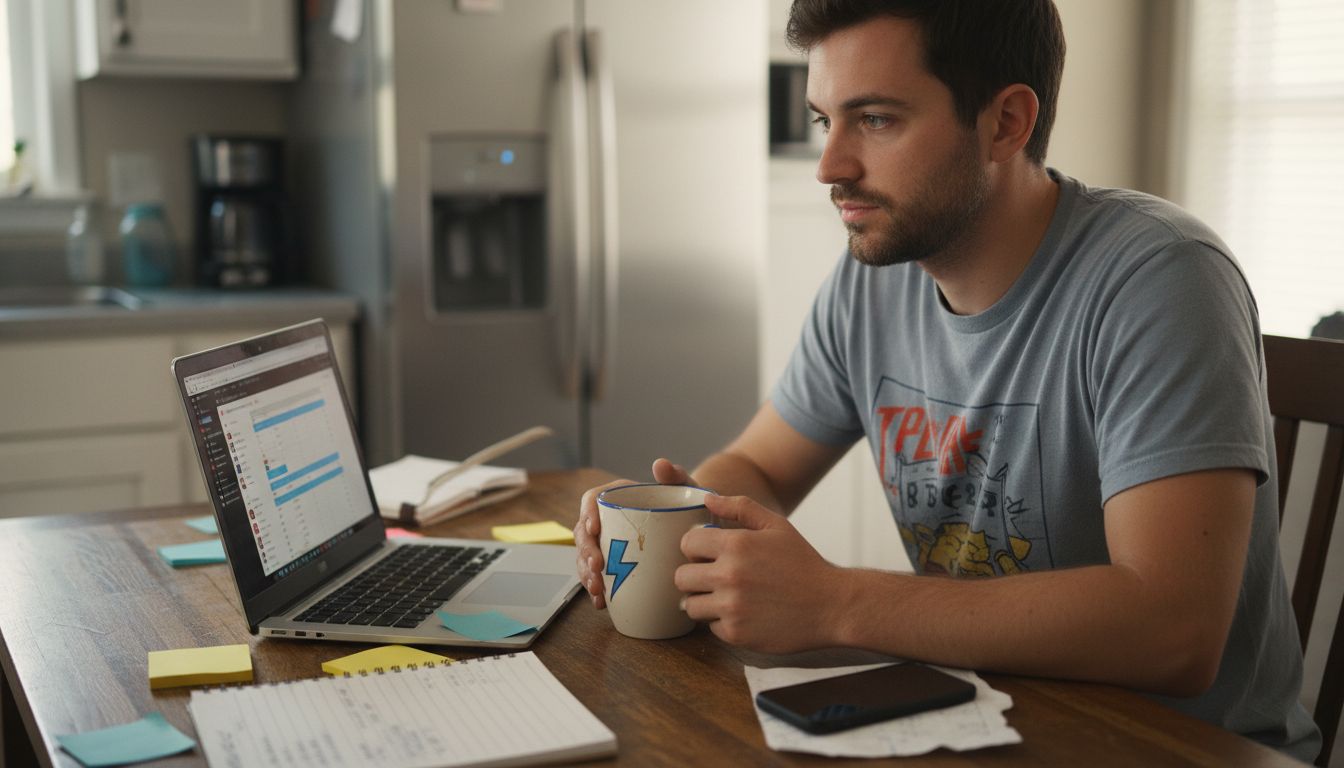
Effective streaming scheduling requires careful consideration of multiple factors. Choose a consistent streaming time that aligns with your target audience’s availability and your own content creation schedule. Create a content calendar that outlines your streaming topics, potential guest appearances, and planned interactive segments. Consider time zones and peak engagement hours to maximize viewer participation. Use scheduling tools that allow you to set reminders, create event links, and send automated notifications to your followers.
Pro tip: Always have a backup plan for your live stream. Prepare alternative content or discussion topics in case of technical issues or unexpected interruptions. Develop a flexible framework that allows you to pivot smoothly if your original plan encounters challenges. Consistent communication with your audience about upcoming streams and potential schedule changes helps maintain transparency and builds audience trust.
Step 4: Engage Your Audience Effectively
Successful live streaming goes beyond broadcasting content it requires creating an interactive and dynamic experience that keeps your audience connected and invested. Your goal is to transform passive viewers into active participants who feel genuinely connected to your content.
Fan engagement strategies are essential for building a loyal community. Implement real-time interaction techniques like live chat responses, audience polls, Q&A segments, and direct shoutouts that make viewers feel valued and seen. Use interactive features that encourage participation such as asking viewers to vote on upcoming content, sharing personal stories, or solving challenges together. Create moments of spontaneity and genuine connection by responding to comments in real time, acknowledging individual viewers, and showing your authentic personality.
Pro tip: Track audience engagement metrics carefully to understand what content resonates most with your viewers. Pay attention to peak interaction times, types of segments that generate the most comments, and viewer retention rates. Be willing to experiment and adapt your approach based on audience feedback. Remember that true engagement is a two way conversation where your audience feels heard and appreciated.
Step 5: Monitor Quality and Performance
Monitoring the technical quality and performance of your live stream is crucial for maintaining a professional and engaging viewer experience. Your technical execution can make or break audience retention and overall streaming success.
Video streaming quality analysis requires systematic tracking of multiple performance indicators. Use streaming analytics tools to monitor key metrics such as bitrate stability, audience retention rates, concurrent viewer count, and audio video synchronization. Pay close attention to buffering rates, connection speed, and potential stream interruptions. Regularly check your upload bandwidth, verify that your streaming resolution matches your equipment capabilities, and test your stream from different devices to ensure consistent quality.
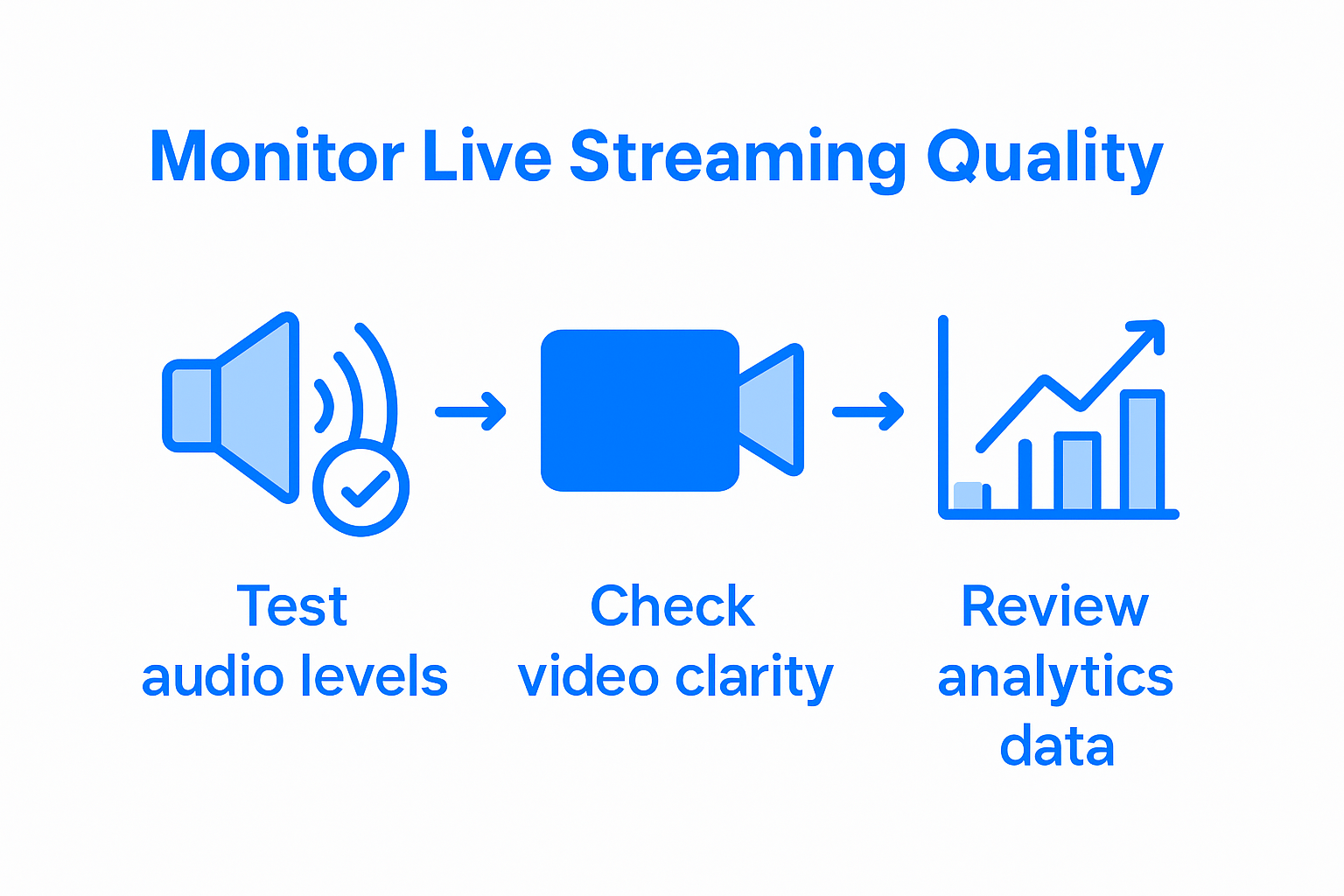
Pro tip: Conduct regular stream health checks by recording test streams and reviewing them for technical issues. Create a checklist of performance benchmarks that includes audio clarity, video sharpness, frame rate stability, and overall streaming smoothness. Be proactive about identifying and resolving potential technical problems before they impact your viewers experience. Remember that consistent technical quality builds viewer trust and professional credibility.
Elevate Your Live Streaming with a Platform Built for Creators
Mastering live streaming best practices means facing challenges like creating engaging content, ensuring seamless technical performance, and building real fan connections. When you stream on a platform that understands these struggles, you unlock your full potential. Fanspicy offers a professional live cam environment designed to support creators with high-quality streaming tools, reliable performance, and interactive features perfect for boosting fan engagement.
Take your streaming career to the next level by switching to a paid social media and live cam platform that prioritizes smooth streaming, audience interaction, and scheduling flexibility. Start creating with confidence today and discover how Fanspicy can help you meet all the key needs highlighted in the article. Visit Фанспики now and experience streaming designed for your success.
Часто задаваемые вопросы
How do I set up an optimal live streaming environment?
To create the best streaming environment, choose a quiet area with good lighting and a clean background. Begin by testing this setup with a few practice sessions to ensure clarity in audio and video.
What equipment do I need for high-quality live streaming?
Invest in a high-definition webcam and a condenser microphone to ensure clear audio and video. Verify that your computer meets the necessary specifications, such as a dedicated graphics card and at least 16GB of RAM, before going live.
How should I plan and schedule my live streams?
For effective live streaming, pick a consistent time that aligns with your audience’s availability. Create a content calendar that includes topics, guest appearances, and interactive segments to keep viewers engaged.
What strategies can I use to engage my audience during live streams?
Engage your audience by incorporating real-time interactions like live chats, polls, and Q&A segments. Make sure to acknowledge viewers individually to foster a sense of community and make them feel valued.
How can I monitor the quality and performance of my live stream?
Regularly track key metrics like bitrate stability and viewer retention using analytics tools. Conduct health checks before going live to identify potential problems and ensure a smooth streaming experience for your audience.
What should I do if I face technical issues during a live stream?
Always have a backup plan in place, like alternative content or discussion topics. Prepare for unexpected disruptions by staying flexible and communicating any changes to your audience promptly.