

目次
Every American creator sharing content on OnlyFans or Fansly faces a real privacy challenge. More than 60 percent of creators worry their personal information could reach the wrong hands as their fanbase grows worldwide. Protecting your identity and financial data is vital when every message or photo could be seen by international subscribers. This guide uncovers practical strategies to help you keep your personal details safe, empower your boundaries, and confidently manage your fan site.
目次
- Step 1: Prepare Securely Before Launching Your Fan Site
- Step 2: Optimize Account Settings to Limit Exposure
- Step 3: Utilize Privacy Tools to Protect Your Data
- Step 4: Manage Communication Channels Safely
- Step 5: Review and Test Your Privacy Measures
簡単なまとめ
| Main Insight | Detailed Explanation |
|---|---|
| 1. Conduct a Threat Assessment | Identify vulnerabilities in your digital presence to develop a privacy strategy before creating content. |
| 2. Optimize Account Settings | Adjust privacy settings on platforms to limit personal information exposure and enhance security layers. |
| 3. Use Privacy Tools Effectively | Implement specialized tools like VPNs and encrypted messaging to build barriers against data exposure. |
| 4. Manage Communication Wisely | Create isolated communication channels and employ strict guidelines to protect your identity while engaging with fans. |
| 5. Regularly Review Security Measures | Continuously assess and update your privacy practices and measures to adapt to new digital threats and vulnerabilities. |
Step 1: Prepare Securely Before Launching Your Fan Site
Launching a fan site demands rigorous privacy preparation to protect your digital identity and personal information. Understanding potential risks and implementing strategic safeguards becomes crucial before you publish any content.
Begin by conducting a comprehensive threat modeling assessment to identify potential vulnerabilities in your digital infrastructure. This process involves systematically evaluating how personal data might be exposed and designing specific countermeasures. Map out potential risks such as IP address tracking, location data leakage, and unauthorized personal information disclosure. Create a detailed privacy strategy that minimizes data collection to only what is absolutely necessary for your platform’s functionality.
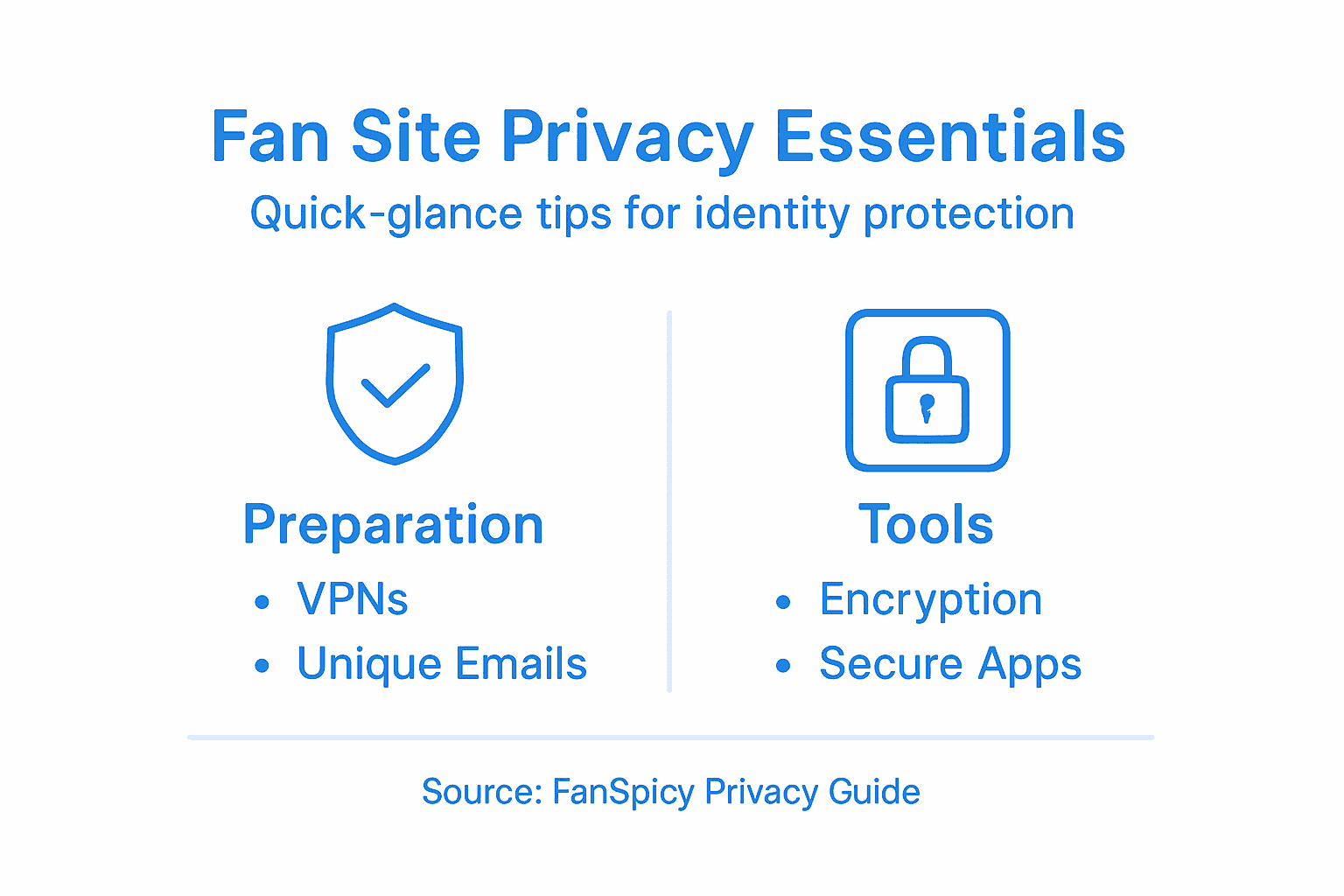
Securing your digital presence requires multiple layers of protection. Use virtual private networks (VPNs) with strict no-logging policies, create unique email addresses exclusively for site management, and consider using cryptocurrency or privacy-focused payment methods that don’t directly link to your personal financial accounts. Consider setting up separate devices or dedicated virtual machines for site management to create additional isolation between your personal and professional digital spaces.
Pro tip: Regularly audit and update your privacy settings, treating your digital security as an ongoing process rather than a one-time setup.
Step 2: Optimize Account Settings to Limit Exposure
Securing your fan site account requires meticulous attention to privacy settings that can dramatically reduce your digital vulnerability. By strategically configuring your account permissions, you create multiple layers of protection against potential information leaks.
Start by adjusting browser privacy controls that govern data sharing and tracking. This includes blocking third-party cookies, limiting browser extension permissions, and carefully managing geolocation access. Review each platform setting systematically, focusing on reducing default information visibility. Disable automatic location sharing, limit profile discoverability, and set strict boundaries on who can view your personal details. Pay special attention to advertising settings that might inadvertently expose demographic or behavioral information about you.
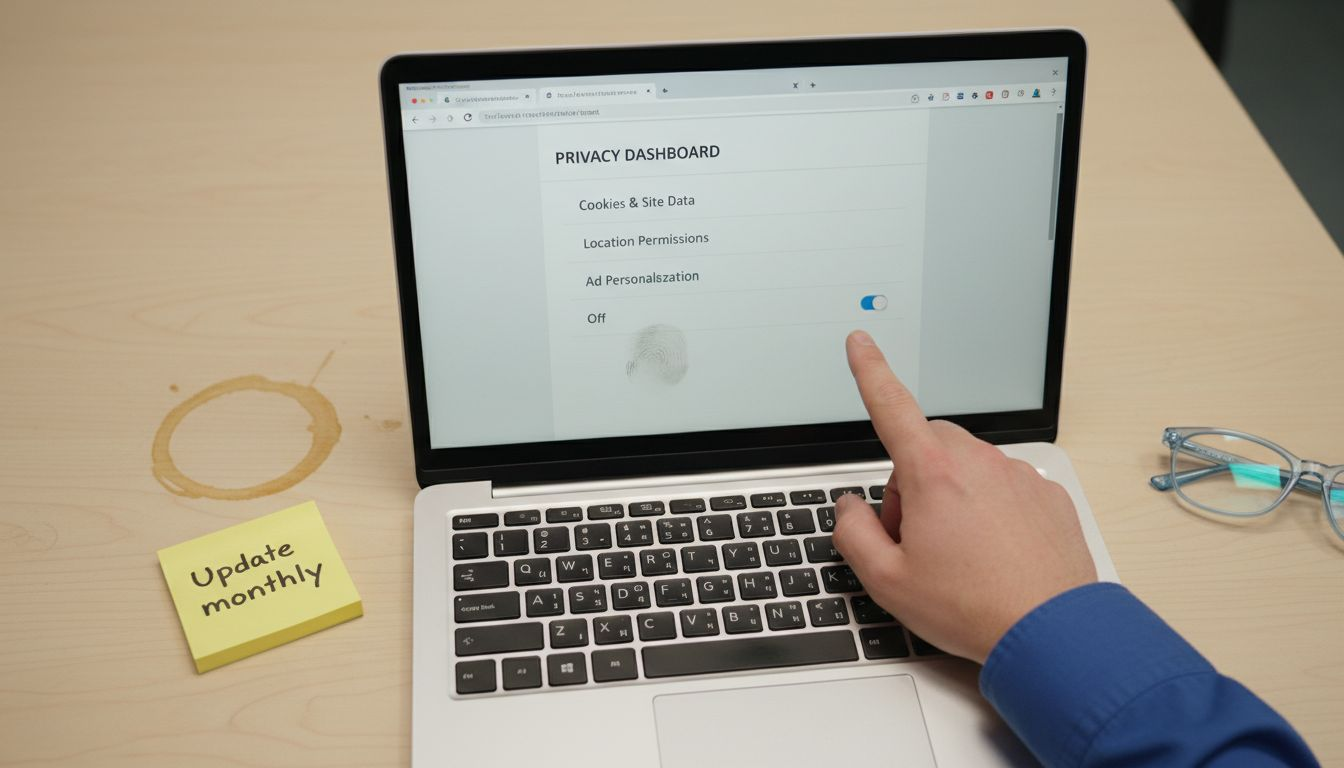
Implement comprehensive account isolation strategies by creating unique email addresses for site management, using virtual phone numbers, and avoiding links between your professional and personal digital identities. Select profile images that do not reveal identifying characteristics, and use pseudonyms that cannot be traced back to your real identity. When possible, leverage privacy-focused payment methods and two-factor authentication with secure backup options to add additional protective layers around your account.
Pro tip: Conduct a monthly privacy audit of your account settings to ensure ongoing protection against evolving digital tracking methods.
Step 3: Utilize Privacy Tools to Protect Your Data
Protecting your digital presence requires strategic implementation of specialized privacy tools that create robust barriers against potential information exposure. Your goal is to build a comprehensive defense system that shields your personal data across multiple digital platforms.
Begin by exploring comprehensive privacy protection strategies that go beyond basic security measures. Select encryption tools designed specifically for content creators, focusing on solutions that anonymize your digital footprint. Virtual private networks with strict no-logging policies, secure email services, and anonymous payment platforms become your primary defense mechanisms. Implement encrypted messaging applications that provide end to end communication protection, and utilize browser extensions that block tracking scripts and prevent unauthorized data collection.
Create a multilayered approach to digital privacy by combining software and hardware solutions. Use dedicated devices for site management, implement secure password managers with multifactor authentication, and regularly rotate your digital credentials. Consider using cryptocurrency or privacy focused payment methods that minimize personal financial information exposure. Explore anonymous cloud storage solutions that provide zero knowledge encryption, ensuring your content and personal information remain completely private and inaccessible to unauthorized parties.
Pro tip: Test your privacy tools monthly by conducting simulated data exposure assessments to identify and address potential vulnerabilities.
Here’s a comparison of key privacy tools and their main uses for fan site management:
| Privacy Tool Type | 主な目的 | Business Impact |
|---|---|---|
| VPN (No-logging policy) | Masks IP and location | Prevents tracking and geo-leaks |
| Encrypted Messaging App | Secures communications | Protects fan and admin exchanges |
| Anonymous Payment Platform | Shields financial details | Keeps transactions private |
| Secure Email Service | Isolates site management | Prevents spam and identity exposure |
Step 4: Manage Communication Channels Safely
Creating a secure communication strategy is essential for protecting your digital identity and maintaining professional boundaries on your fan site. Your communication channels represent potential vulnerability points that require careful management and strategic protection.
Start by understanding online communication privacy with a comprehensive approach to platform settings and interaction management. Select communication platforms that offer robust privacy controls, end to end encryption, and granular permission settings. Use separate email addresses and communication accounts exclusively for your fan site interactions, completely isolated from your personal digital ecosystem. Implement strict verification processes for fan interactions, use anonymous usernames, and avoid sharing any personally identifiable details during communications.
Develop a proactive communication defense strategy that includes advanced filtering techniques and automated moderation tools. Create clear communication boundaries with explicit guidelines for interactions, implement robust reporting mechanisms for inappropriate content, and use platform features that allow you to control message visibility and interaction permissions. Regularly audit your communication channels, remove outdated connections, and systematically block users who violate your established interaction protocols. Consider using temporary or disposable communication channels that minimize long term digital traces and provide an additional layer of anonymity.
Pro tip: Regularly screenshot and document any inappropriate interactions as potential evidence while maintaining strict personal information separation.
Step 5: Review and Test Your Privacy Measures
Establishing robust privacy protection requires ongoing assessment and strategic testing of your digital security infrastructure. Your goal is to create a dynamic privacy strategy that adapts and responds to emerging digital threats and potential vulnerabilities.
Begin by systematically evaluating privacy protection methods through comprehensive security assessments. Conduct regular phishing vulnerability tests, evaluate password strength across all platforms, and implement robust multifactor authentication protocols. Use specialized privacy testing tools that simulate potential breach scenarios, identifying and addressing potential weaknesses in your digital defense system. Run periodic network scans, check for unauthorized access points, and verify the effectiveness of your encryption and anonymization strategies.
Develop a structured approach to privacy testing that includes both automated tools and manual verification processes. Create detailed documentation of your privacy infrastructure, including comprehensive logs of security assessments, potential vulnerabilities discovered, and remediation strategies. Implement a quarterly review process that involves thoroughly examining all privacy tools, communication channels, and digital access points. Consider engaging independent security professionals for periodic external audits that can provide objective insights into your privacy protection strategies. Maintain a proactive mindset by staying informed about emerging digital privacy technologies and adapting your protection methods accordingly.
Pro tip: Schedule automated monthly privacy health checks and maintain a confidential incident response plan to quickly address any detected vulnerabilities.
This table summarizes common ways to test and strengthen digital privacy throughout fan site operations:
| Test Method | Focus Area | Expected Outcome |
|---|---|---|
| Phishing Simulations | Account authentication | Detects weak login practices |
| Network Scanning | Infrastructure access | Finds unauthorized connections |
| Credential Rotation | Password management | Limits risk of leaks |
| External Privacy Audit | Overall security posture | Uncovers hidden vulnerabilities |
Secure Your Fan Site Identity with Confidence on FanSpicy
Managing a fan site means facing constant challenges to protect your digital privacy and keep your personal identity safe from exposure. From preventing unauthorized access to managing secure communications, the risks can feel overwhelming. The article highlights vital concepts like implementing encryption tools, using VPNs with no-logging policies, and isolating your digital footprint to avoid leaks. At FanSpicy, we understand these concerns and provide a paid social media platform specifically designed to empower creators with privacy-first features. Our live cam platform acts as a secure alternative where your content and identity are protected by built-in privacy safeguards, so you can focus on engaging your fans without worry.
Don’t leave your privacy to chance Join FanSpicy today for a private, controlled environment with encrypted communications and anonymous financial options that echo the protections outlined in the article. Start securing your fan site on a platform that puts your privacy first Visit FanSpicy now to experience the safest way to share your creativity while guarding your identity every step of the way.
よくある質問
How can I assess privacy risks before launching my fan site?
To assess privacy risks, conduct a thorough threat modeling assessment to identify potential vulnerabilities. Map out risks, such as IP address tracking and unauthorized information disclosure, and create a privacy strategy that minimizes data collection to what’s absolutely necessary.
What account settings should I adjust for better privacy on my fan site?
Adjust your account settings by blocking third-party cookies, disabling automatic location sharing, and limiting profile discoverability. Regularly review and update these settings to maintain a high level of security against potential leaks.
What privacy tools should I implement for my fan site?
Implement privacy tools like a virtual private network (VPN) with a no-logging policy, encrypted messaging apps, and secure email services. Combine these tools for a multilayered approach, ensuring your sites and communications remain private and anonymous.
How can I create secure communication channels for fan site interactions?
Create secure communication channels by using separate email addresses and usernames for your fan site. Implement strict verification processes for fan interactions and establish clear communication boundaries to limit the risk of exposing any personal information.
How often should I review and test my privacy measures?
Review and test your privacy measures at least quarterly to adapt to new threats. Conduct regular security assessments, test for phishing vulnerabilities, and rotate your passwords to keep your fan site protected against evolving risks.
What should I do if I encounter inappropriate interactions on my fan site?
Document any inappropriate interactions as potential evidence and immediately block users who violate your established interaction protocols. Regularly audit your communication channels to maintain a safe environment for yourself and your fans.