

Indice dei contenuti
Content creators on paid social platforms face a relentless challenge: planning engaging posts that resonate with audiences while avoiding burnout. In 2026, the right social media content calendar ideas paired with effective scheduling tools can transform chaotic posting into strategic engagement. This article delivers actionable calendar strategies, tool comparisons, and decision guidance specifically designed for paid social media creators aiming to maximize reach and streamline their content creation process.
Indice dei contenuti
- How To Choose Social Media Content Calendar Ideas & Tools In 2026
- 5 Innovative Social Media Content Calendar Ideas For Paid Content Creators
- Top 7 Social Media Content Calendar Tools Comparison For 2026
- Best Practices For Effective Social Media Content Calendar Execution
Punti di forza
| Point | Details |
|---|---|
| Selection criteria | Platform-specific flexibility and integration with video features determine calendar effectiveness. |
| Innovative strategies | Combine cultural events, video-first formats, and interactive content for peak engagement. |
| Tool landscape | Options range from $6 to $249 monthly, with AI automation and design integration as key differentiators. |
| Execution best practices | Consistent timing during peak hours and balanced evergreen-trending content mix drive 67% higher engagement. |
| Situational fit | Match calendar tools to your content style, budget, team size, and automation needs for optimal results. |
How to Choose Social Media Content Calendar Ideas & Tools in 2026
Selecting the right content calendar requires understanding your platform’s unique demands. Paid social platforms like TikTok and Instagram prioritize video and interactive formats, so your calendar must accommodate these content types seamlessly. Evaluate scheduling flexibility, especially for multi-format posts mixing Reels, stories, and static images.
Your content creation process determines which features matter most. Solo creators need intuitive interfaces with quick publishing workflows. Agencies managing multiple brands require collaboration tools, client approval systems, and white-label dashboards. Tools vary widely in user-friendliness, AI integration, and pricing, impacting their fit for solo creators versus agencies.
Cost and scalability form the financial foundation of your decision. Budget-conscious creators can find robust options starting around $15 monthly, while enterprise solutions reach $249 or more. Consider these essential criteria:
- Platform integration depth for TikTok, Instagram, and other paid social channels
- Native video editing and preview capabilities
- Analytics dashboards tracking engagement metrics
- AI-powered posting time optimization
- Team collaboration features for approval workflows
Un consiglio da professionista: Test free trials of three tools simultaneously to compare real-world workflows before committing to annual plans.
Analytics and automation separate basic schedulers from strategic tools. Look for calendars offering engagement forecasts, optimal posting time recommendations, and automated publishing. These features reduce manual work while improving performance, letting you focus on creating compelling content that converts viewers into loyal fans.
5 Innovative Social Media Content Calendar Ideas for Paid Content Creators
Strategic calendar planning starts with leveraging cultural moments your audience already cares about. Buffer offers a 2026 social media calendar featuring 180+ cultural and niche holidays for precise content alignment. Plan posts around International Coffee Day, Pride Month, or niche observances like National Pet Day to tap into existing conversations and boost discoverability.
Balance evergreen content with trending topics to maintain steady engagement without exhausting your creative energy. Mixing evergreen content with real-time trends sustains engagement while reducing burnout for creators. Schedule foundational posts about your expertise or product value, then reserve flexible slots for trending audio, challenges, or viral formats as they emerge.
Video must dominate your 2026 calendar strategy. Video content comprises over 80% of interactions on TikTok and Instagram, requiring video-first calendar approaches. Prioritize short-form videos, behind-the-scenes clips, and tutorial content. Structure your calendar with at least 60% video posts to match platform algorithms favoring dynamic content.
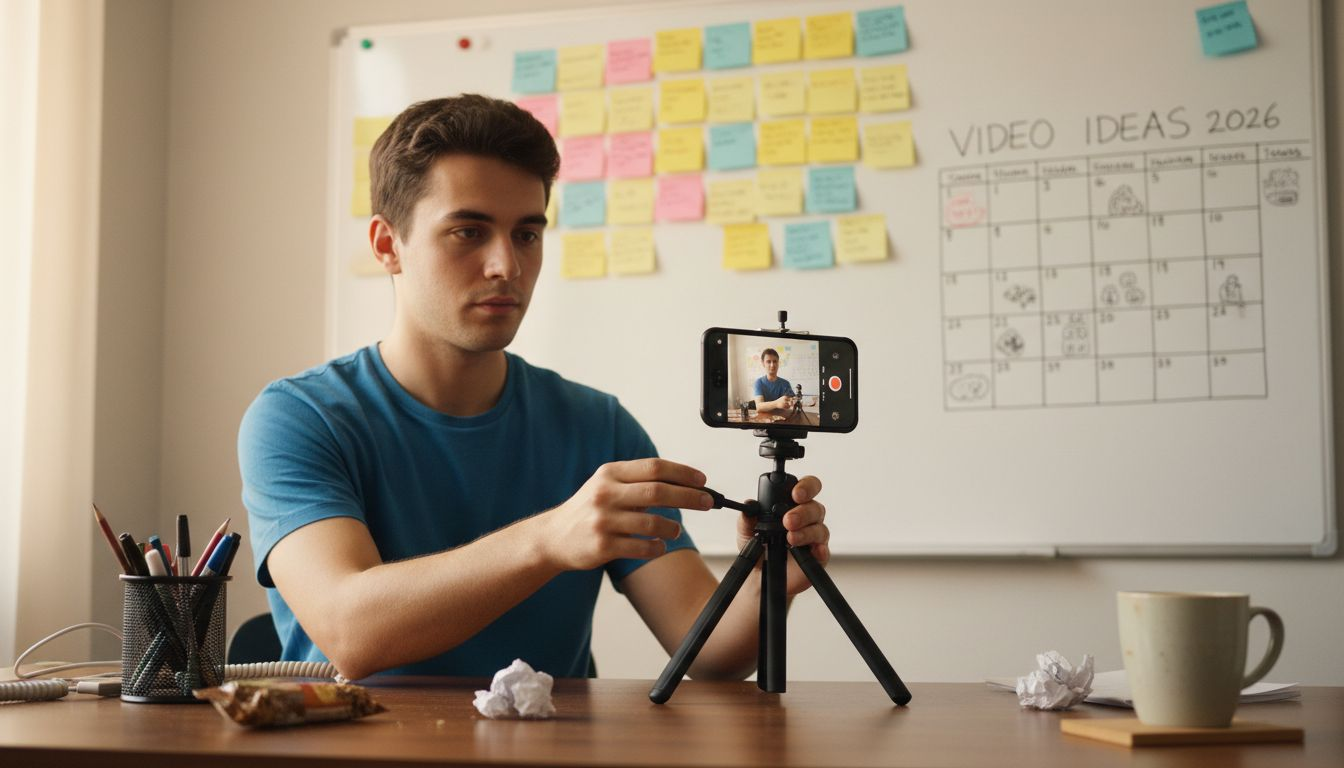
Themed campaigns around awareness months and major sporting events create natural content clusters. Plan February posts around Valentine’s Day romance themes, leverage March Madness energy for competitive engagement campaigns, or build Pride Month content celebrating community. These recurring events let you develop reusable templates that speed up production year after year.
Interactive formats transform passive viewers into active participants. Schedule regular polls asking audience preferences, create CTA posts directing followers to exclusive content, and plan story sequences encouraging direct messages. Check out innovative content creation ideas e social media content ideas for more strategies to increase viewer engagement.
- Cultural calendar integration using the comprehensive holiday calendar for timely posts
- Evergreen-trending content balance maintaining consistent presence
- Video-first scheduling prioritizing Reels and TikTok formats
- Themed campaign clusters around awareness months and events
- Interactive post formats boosting audience participation rates
Top 7 Social Media Content Calendar Tools Comparison for 2026
Navigating the calendar tool landscape requires understanding how features map to creator needs. Pallyy offers a drag-and-drop calendar integrated with a media library and grid preview, ideal for Instagram and TikTok creators. Starting at $15 monthly, Pallyy excels at visual planning with Instagram grid previews showing how posts appear together, crucial for maintaining aesthetic consistency.
Buffer delivers extensive holiday calendars and multi-platform support at creator-friendly prices. With plans starting around $6 per channel monthly, Buffer suits solo creators seeking affordability without sacrificing essential features. The platform includes built-in cultural event calendars and straightforward scheduling interfaces that minimize learning curves.
AI-powered automation tools like Social Champ and Coso.ai optimize posting times and automate publishing workflows. These platforms analyze your audience activity patterns and suggest optimal posting windows, removing guesswork from scheduling. AI features become essential for creators managing multiple accounts or posting across numerous time zones.
Canva Pro combines design and scheduling in one platform, streamlining content creation workflows. Instead of designing in Canva then uploading to separate schedulers, Pro subscribers schedule directly after creating graphics. This integration cuts production time significantly, especially for creators producing high volumes of branded content.
Sendible focuses on agency requirements with multi-brand management and white-label dashboards. Starting around $29 monthly, Sendible supports client approval workflows, team collaboration, and branded reporting. Agencies managing five or more clients find the investment worthwhile compared to juggling separate tools.
Un consiglio da professionista: Calculate your effective cost per post by dividing monthly subscription fees by average posts scheduled to identify true value across pricing tiers.
Pricing for social media calendar tools ranges widely from $6 to $249 monthly, reflecting varied feature sets and user focus. Budget tools offer core scheduling, while premium options add AI optimization, advanced analytics, and team collaboration. Match pricing to your current scale, knowing you can upgrade as revenue grows. Explore the advantages of paid social media and understand the role of video content to maximize your tool investment.
| Tool | Starting Price | Il migliore per | Key Strength |
|---|---|---|---|
| Pallyy | $15/mese | Visual brands | Instagram grid preview |
| Buffer | $6/channel | Solo creators | Holiday calendar integration |
| Social Champ | $29/month | Multi-account managers | AI posting optimization |
| Coso.ai | $49/month | Data-driven creators | Advanced analytics |
| Canva Pro | $13/month | Design-focused creators | Integrated design and scheduling |
| Sendible | $29/month | Agencies | Multi-brand management |
| ClickUp | $7/month | Team collaboration | Project management integration |
Best Practices for Effective Social Media Content Calendar Execution
Execution transforms calendar plans into measurable results. Consistent posting during audience peak hours can increase engagement by 67%. Use platform analytics to identify when your specific audience scrolls most actively, then schedule posts 30 minutes before peak windows to maximize initial visibility as engagement climbs.
Follow these execution steps for optimal performance:
- Analyze audience activity patterns using native platform analytics to identify peak engagement windows.
- Schedule posts 30 minutes before identified peak times to capture rising engagement momentum.
- Maintain a 60/40 split between evergreen foundational content and trending reactive posts.
- Review weekly performance metrics adjusting future calendar slots based on top-performing content types.
- Batch create content during dedicated production sessions then schedule throughout the week for consistent presence.
Maintain a balanced content mix preventing audience fatigue while sustaining interest. Alternate between educational posts, entertaining content, promotional offers, and interactive engagement prompts. This variety keeps feeds dynamic and gives followers multiple reasons to return, building habitual checking patterns that compound engagement over time.
Leverage AI tools to automate publishing and identify optimal posting schedules. Modern calendar platforms analyze historical performance data suggesting best posting times specific to your audience. Automation ensures posts publish even during off-hours or when you’re focused on content creation, maintaining presence without constant manual intervention.
Un consiglio da professionista: Reserve 20% of your calendar slots as flexible