

Table des matières
Most American live cam creators know that even a single technical glitch can cost hundreds in lost tips or subscriptions. A reliable live stream setup workflow makes the difference between forgettable sessions and interactive shows that keep viewers coming back. Streamlining your technical process not only saves valuable time but also frees you to focus on audience engagement and advanced monetization techniques that drive success on platforms like OnlyFans and Fansly.
Table des matières
- Defining Live Stream Setup Workflow Basics
- Choosing Equipment And Streaming Software
- Optimizing Viewer Engagement And Monetization
- Legal, Privacy, And Safety Requirements
- Mistakes To Avoid In Live Stream Setup
Principaux enseignements
| Point | Details |
|---|---|
| Live Streaming Workflow | A successful live stream involves a strategic workflow integrating technology, performance, and audience interaction. A detailed pre-stream checklist is essential to minimize technical disruptions. |
| Equipment and Software Selection | Choosing the right streaming hardware and software is vital for producing high-quality content. Prioritize equipment that suits your content niche and aims for a powerful computer to handle streaming efficiently. |
| Engagement et monétisation | Foster active audience participation through dynamic experiences and varied monetization strategies. Encourage real-time engagement to build a financially supportive community. |
| Legal and Security Considerations | Understand and comply with legal requirements and data protection regulations for sustainable streaming. Consult with legal professionals to establish a comprehensive compliance strategy. |
Defining Live Stream Setup Workflow Basics
A live stream setup workflow represents the strategic sequence of technical and creative steps creators use to produce engaging real-time digital content. Understanding this workflow means recognizing the critical intersection between technology, performance, and audience interaction. Livestreaming fundamentally transmits media in real-time, requiring precise coordination of equipment, software, and personal presentation skills.
The core components of an effective live stream setup involve multiple interconnected elements. These include high-quality audio and video equipment, stable internet connectivity, streaming software, interaction tools, and a well-designed content strategy. Creators must carefully select hardware like cameras, microphones, and lighting that match their specific content niche and production goals. Performance-grade internet connections with consistent upload speeds become equally crucial, ensuring smooth transmission without interruptions.
Successful creators approach their streaming workflow as a comprehensive content creation strategy, not just a technical exercise. This means developing repeatable processes for equipment preparation, audience engagement, and post-stream analysis. Professional streamers typically create standardized checklists covering equipment setup, audio/video testing, stream key management, and backup systems. By systematizing their approach, creators reduce technical stress and can focus more energy on delivering compelling content.
Pro tip: Invest time in creating a pre-stream checklist that covers equipment validation, internet speed testing, and backup communication channels to minimize potential technical disruptions.
Choosing Equipment and Streaming Software
Selecting the right streaming equipment and software represents a critical foundation for content creators seeking professional-quality live broadcasts. Modern creators must strategically invest in technology that balances performance, affordability, and ease of use. OBS Studio offers a powerful, free streaming solution supporting multiple platforms and encoding options, providing creators with flexible broadcast capabilities across different streaming environments.
Core equipment considerations include high-definition cameras, professional microphones, reliable lighting setups, and robust computing hardware. Creators should prioritize gear that matches their specific content style and production needs. A professional webcam with 1080p resolution, a condenser microphone with noise cancellation, and adjustable LED lighting can dramatically improve stream quality. Computer specifications matter equally, with recommended minimums including a recent multi-core processor, dedicated graphics card, and minimum 16GB RAM to handle simultaneous streaming and performance tasks.
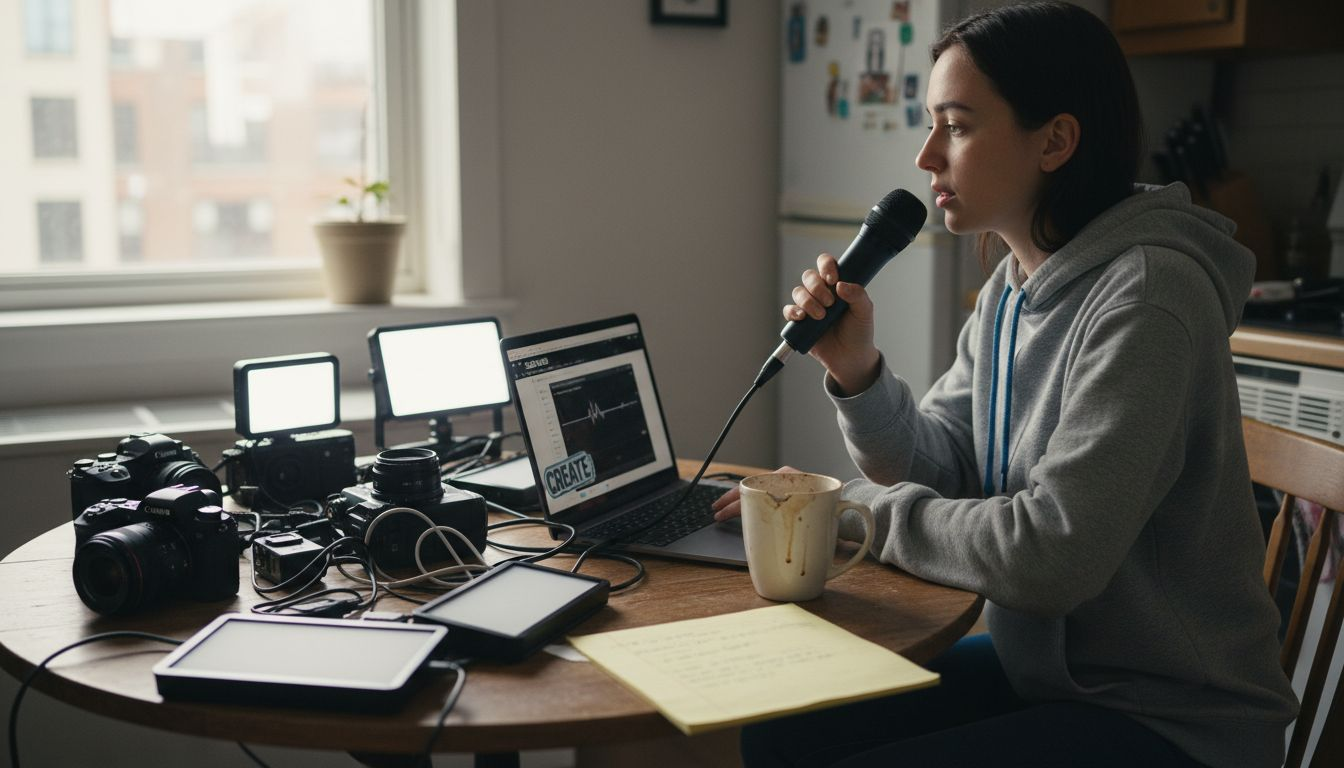
Software selection goes beyond basic streaming capabilities. VLC media player provides comprehensive streaming solutions that support multiple protocols and formats, giving creators additional technical flexibility. Professional streamers typically use software like OBS Studio, Streamlabs, or XSplit, which offer scene management, overlay creation, and advanced broadcasting features. These platforms enable sophisticated production techniques like multiple camera angles, real-time graphic integrations, and seamless platform connections.
Here’s a quick comparison of popular live streaming software solutions and their key strengths:
| Software | Platform Support | Unique Features | Ideal User Profile |
|---|---|---|---|
| OBS Studio | Windows, Mac, Linux | Multiple scenes, free, plugins | Beginners, pros, multi-use |
| Streamlabs | Windows, Mac | User-friendly overlays, alerts | Gamers, casual creators |
| XSplit | Fenêtres | Multi-platform, split screens | Professionals, advanced users |
| VLC Media Player | Windows, Mac, Linux | Protocol flexibility, streaming | Technical users, niche setups |
Pro tip: Invest in a dedicated streaming computer or powerful laptop to separate streaming processing from content creation, ensuring smoother performance and reducing technical interruptions.
Optimizing Viewer Engagement and Monetization
Successful live streaming hinges on creating dynamic, interactive experiences that transform passive viewers into active, invested community members. Platform interactions represent complex social ecosystems where viewers contribute directly to creator monetization, making engagement strategies critically important for financial sustainability. Modern creators must design intentional experiences that encourage real-time participation, reward viewer contributions, and build genuine connections.
Monetization strategies have evolved far beyond simple advertising models. Content creators now leverage multiple revenue streams including sponsorships, brand collaborations, and sophisticated subscription frameworks. Successful monetization requires understanding audience analytics, creating tiered membership levels, and developing exclusive content that provides unique value. Interactive features like live polls, direct messaging, personalized shoutouts, and gamified donation systems can transform viewer interactions into tangible revenue opportunities.
The table below summarizes effective monetization strategies for live streamers:
| Monetization Method | Description | Audience Engagement Requirement |
|---|---|---|
| Sponsorships | Brand deals for financial support | High follower consistency |
| Abonnements | Paid membership tiers with benefits | Frequent interaction needed |
| Donations & Tips | Direct viewer contributions | Real-time engagement required |
| Vente de marchandises | Branded products for viewers | Strong loyalty and branding |
Creators must approach engagement as a strategic, multifaceted process. This involves developing consistent streaming schedules, maintaining high-quality production values, actively responding to viewer comments, and creating community-driven content formats. Advanced creators use audience feedback loops, track engagement metrics, and continuously experiment with content styles to discover what resonates most powerfully with their specific audience. By treating viewers as collaborative participants rather than passive consumers, streamers can build loyal, financially supportive communities.
Pro tip: Implement a structured viewer reward system that provides escalating benefits for different levels of engagement and financial support, encouraging long-term community investment.
Legal, Privacy, and Safety Requirements
Navigating the complex landscape of legal and privacy requirements is fundamental for live stream creators seeking sustainable and responsible online presence. Live streaming platforms involve intricate legal considerations, including content rights, service provider contracts, and compliance with accessibility regulations, making proactive legal awareness essential for professional creators. Understanding these frameworks protects both creators and their audiences from potential legal complications.
Data protection and system security represent critical components of responsible live streaming. Comprehensive security controls outlined by national technology standards provide robust guidelines for safeguarding personal information and maintaining system integrity. Creators must implement rigorous access control measures, develop incident response protocols, and establish clear boundaries for data collection and usage. This includes obtaining explicit consent for content sharing, protecting viewer personal information, and maintaining transparent communication about data handling practices.
Practical legal compliance involves multiple strategic considerations. Creators should develop comprehensive content policies that address age verification, consent mechanisms, and appropriate content guidelines. This requires creating clear terms of service, implementing robust age restriction protocols, and establishing effective content moderation systems. Understanding platform-specific regulations, local legal requirements, and potential international broadcasting restrictions becomes crucial for creators seeking to build sustainable, legally compliant streaming careers.
Pro tip: Consult with a legal professional specializing in digital media to develop a personalized compliance strategy tailored to your specific streaming context and platform requirements.
Mistakes to Avoid in Live Stream Setup
Successful live streaming demands meticulous technical preparation and strategic awareness. Content creators frequently encounter critical technical errors that can compromise stream quality, including fundamental bandwidth and streaming protocol challenges, making proactive error prevention essential. Understanding these potential pitfalls helps creators develop robust streaming workflows that minimize interruptions and maintain professional production standards.
Technical mistakes often stem from inadequate planning and insufficient equipment understanding. Common errors include using low-quality microphones that introduce background noise, relying on unstable internet connections, and neglecting proper lighting configurations. Creators must invest in reliable hardware, conduct thorough pre-stream technical checks, and develop contingency plans for potential equipment failures. Redundant internet connections, backup recording systems, and modular equipment setups can significantly mitigate potential streaming disruptions.
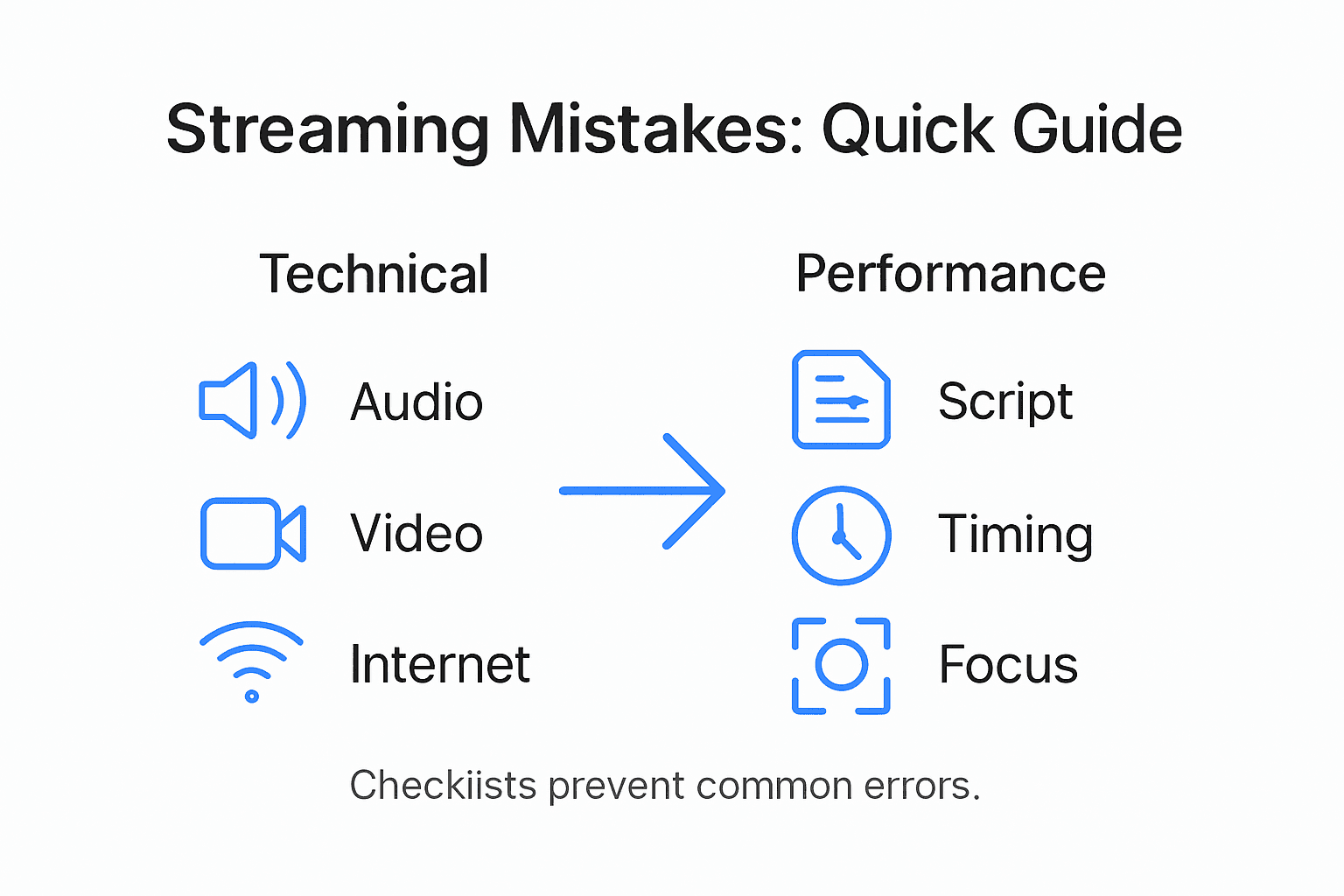
Psychological and performance-related mistakes can be equally detrimental to streaming success. Many creators underestimate the importance of consistent branding, audience engagement strategies, and maintaining professional boundaries. Implementing best practices for live streaming requires understanding that technical proficiency must be balanced with compelling content delivery. This means developing authentic communication styles, managing viewer interactions professionally, and creating structured content formats that keep audiences consistently engaged.
Pro tip: Create a comprehensive pre-stream checklist that includes technical equipment validation, internet speed testing, backup communication channels, and content preparation to systematically eliminate potential streaming mistakes.
Elevate Your Live Streaming Workflow with FanSpicy
Setting up a professional live stream requires mastering technical equipment, engaging your audience, and navigating monetization strategies. If you face challenges like balancing high-quality broadcasts with effective viewer interactions or optimizing your stream for maximum income, you are not alone. The article highlights crucial pain points such as equipment selection, workflow organization, and creating dynamic monetization models to build a loyal community.
Au FanSpicy, our platform is designed to empower creators like you by offering an all-in-one live cam solution that combines ease of use with powerful monetization tools. With our intuitive interface and robust streaming capabilities, you can streamline your entire setup workflow while engaging fans directly through interactive features built for sustained growth.
Unlock the full potential of your live streams now
Ready to transform your live stream experience from technical struggle to seamless success Take control of your creator journey and explore everything FanSpicy provides at https://fanspicy.com. Don’t wait to maximize your income and fan engagement with a platform built specifically for creators who want more.
Questions fréquemment posées
What are the key components of a live stream setup workflow?
An effective live stream setup workflow includes high-quality audio and video equipment, stable internet connectivity, streaming software, interaction tools, and a well-designed content strategy.
How can I choose the right streaming software for my needs?
Evaluate streaming software based on platform support, ease of use, and unique features. Popular options like OBS Studio, Streamlabs, and XSplit each serve different user needs. Consider your content style and level of technical expertise when selecting software.
What common mistakes should I avoid when setting up a live stream?
Common mistakes include using low-quality microphones, relying on unstable internet connections, and neglecting proper lighting. Conduct thorough technical checks and have backup plans in place to minimize potential disruptions during your stream.
How do I enhance viewer engagement during a live stream?
Enhance viewer engagement by creating interactive experiences, responding to comments in real time, and implementing viewer reward systems. Consider using polls, Q&A sessions, and personalized shoutouts to build a strong community connection.